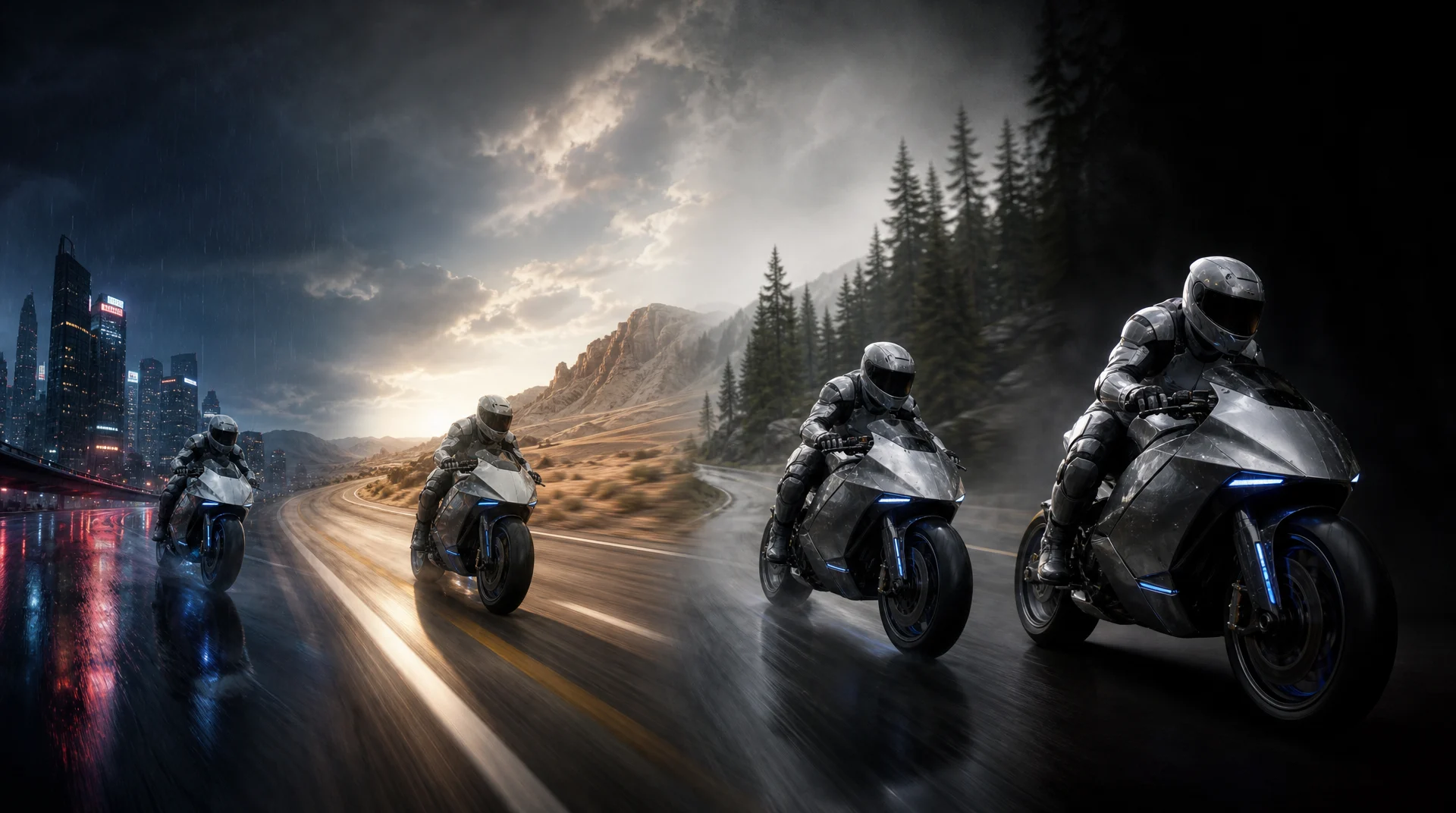
The best video model is the one whose weaknesses do not collide with the shot you need to make.
A practical comparison of Seedance 2.5, Kling V3, MiniMax H3, Gemini Omni Flash, and Seedance 2.0, with the strengths and limits that matter inside Nsketch.
The Best AI Video Models on Nsketch
There is no useful winner for every prompt. A model that handles a long, reference-heavy sequence may be excessive for a quick motion test. A fast model may be perfect for finding the camera move, then fall short when a client needs a longer final clip with synchronized sound.
This guide assigns each model a job based on its current Nsketch controls. The recommendations are editorial, not a universal benchmark. Availability and limits can change, so check the model picker before a large production run.
- Seedance 2.5 for longer clips, large reference packs, and native audio
- Kling V3 for motion-led shots, multi-shot direction, and faster Turbo iterations
- MiniMax H3 for 2K mixed-media reference work with native stereo audio
- Gemini Omni Flash for reference-led transformation and high-resolution output
- Seedance 2.0 for a flexible Standard, Fast, Mini, or Omni workflow
How We Compared the Models
A polished key frame can hide the failures that make a clip unusable. We looked at the full production job: what media the model accepts, how long it can generate, whether it creates audio, how well it follows references, and how many routes it offers for iteration.
The cleanest comparison is to keep the prompt, aspect ratio, and source frame fixed. Review the first generation for identity drift, object deformation, camera interpretation, physical plausibility, and audio sync. The model with the fewest expensive failures is usually the right one for that shot.
- Reference fidelity: does the subject, wardrobe, or product remain recognizable?
- Motion coherence: do bodies, objects, and the camera move without distracting breaks?
- Shot control: can the model follow timing, framing, and multi-shot instructions?
- Audio fit: does the shot need generated dialogue, effects, or ambience?
- Iteration cost: can you use a faster variant before committing to the final render?
The Five Models at a Glance
These are the options available in Nsketch as of August 9, 2026. The table reflects Nsketch's integration, which can be narrower than a provider's direct API.
| Model | Best for | Clip length | Current Nsketch limit |
|---|---|---|---|
| Seedance 2.5 | Longer, reference-heavy work | 4–30 seconds | 480p or 720p |
| Kling V3 | Motion, multi-shot direction, audio | 3–15 seconds | 16:9, 9:16, or 1:1 |
| MiniMax H3 | 2K mixed-media reference work | 4–15 seconds | 2K output only |
| Gemini Omni Flash | Reference-led generation and editing | 4, 6, 8, or 10 seconds | No generated audio in Nsketch |
| Seedance 2.0 | Flexible quality and speed choices | 4–15 seconds | Capabilities vary by variant |
Seedance 2.5: Best for Longer, Reference-Heavy Video
Seedance 2.5 is the broadest option here when the job starts with a detailed reference pack. In Nsketch, one request can use up to 30 images, 3 videos, and 10 audio files. It also reaches 30 seconds in a single generation, twice the maximum length of the other models in this comparison.
That combination suits campaign scenes, character-led sequences, and product work where visual and audio references need to stay in the same brief. Native audio also removes a separate assembly step when dialogue, ambience, or sound effects are part of the shot.
The main constraint is resolution. Nsketch currently exposes 480p and 720p output for Seedance 2.5. Use it when duration and reference control matter more than a 4K delivery file, or plan an enhancement pass after the motion is approved.
- Use it for a 20–30 second scene that needs several visual or audio references
- Inspect identity and object details across the entire clip, not only the opening frame
- Keep the first test at the delivery aspect ratio so framing problems appear early
Seedance 2.5 · 8 seconds · 720p · generated in Nsketch
Prompt
[Generation Goal] Generate an eight-second cinematic nature-fantasy film with one continuous subject and one flowing camera move. [One-Sentence Summary] At blue hour inside a vast glass-roofed botanical conservatory, a lone botanist in a mustard-yellow raincoat walks through waist-high bioluminescent flowers as their light wakes in sequence behind her. [Specific Plot Description] Begin at leaf level in an extreme macro of rain beads trembling on a fern. The camera glides through the leaves and racks focus to the botanist walking along a narrow stone path. As she passes, clusters of blue and violet flowers bloom and illuminate one after another in a natural wave, casting moving light across her coat and the wet glass walls. Finish on a smooth side-tracking medium-wide shot as she pauses beneath the glowing canopy and looks upward. Rain falls visibly beyond the glass. (Quiet atmospheric synth pad with no melody) <Soft rain against glass, damp footsteps, leaves brushing fabric, a delicate crystalline chime as each flower opens> [Global] Photorealistic botanical detail, blue-hour window light, realistic wet surfaces, subtle volumetric haze, shallow depth of field at the opening that deepens during the tracking shot. Keep the same single botanist, the same yellow coat, and the same conservatory layout throughout. No extra people, no duplicated body parts, no wardrobe changes, no abrupt cuts, no subtitles, no readable text, no logo, no watermark.
Kling V3: Best for Motion and Shot Direction
Kling V3 is the motion-first choice in this group. Nsketch supports clips from 3 to 15 seconds, native audio, image-to-video controls, and multi-prompt workflows. A Turbo variant gives you a faster path for testing action and camera behavior before a final pass.
It is a strong fit for a shot that has to do something specific: cross a room, change pace, move through several beats, or coordinate picture and sound. Shorter duration choices also make it practical for testing one motion idea without paying for frames the edit will discard.
Kling V3 offers fewer aspect ratios than the Seedance options in Nsketch. Start with 16:9, 9:16, or 1:1, and frame the reference for the intended output rather than relying on a later crop.
- Use Turbo to test the motion idea before refining the final clip
- Write actions in sequence instead of packing several movements into one sentence
- Check hands, props, and contact points during the fastest part of the motion
Kling V3 · 6 seconds · 720p · generated in Nsketch
Prompt
A professional downhill mountain biker in a cobalt-blue riding suit races along a narrow red sandstone ridge at sunrise. Start with a low chase camera inches above the rear wheel as gravel sprays toward lens, then the rider launches across a small natural gap. During the jump, the camera rises into a controlled three-quarter orbit and lands beside the rider as both wheels reconnect with the trail and the suspension compresses. Cinematic telephoto compression, warm rim light, crisp airborne dust, convincing tire grip and body mechanics, one rider and one bicycle only. Natural wind, chain rattle, tire impacts and gravel sounds. No crash, no body deformation, no duplicate bicycle, no cuts, no slow motion, no text, no logo, no watermark.
MiniMax H3: Best for 2K Mixed-Media Reference Work
MiniMax H3 is the clearest choice in this group when a short final clip needs both 2K detail and native stereo audio. Nsketch supports prompt-only generation, first-and-last-frame animation, and a reference mode that can combine images, video, and audio in the same brief.
The reference limits are substantial: up to nine images, three videos, and three audio files. That makes H3 useful for product films, character work, and visual remixes where the look, movement, and sound already exist in separate source files. References use their own mode, so they cannot be combined with start or end frames in the same request.
H3 generates from 4 to 15 seconds and Nsketch currently fixes output at 2K. It is more deliberate than a disposable motion test, so arrive with a specific camera move and a clear list of details that must survive the generation.
- Use it when the final clip needs 2K output and generated stereo audio
- Build a mixed-media brief from visual, motion, and sound references
- Choose either frame control or reference media before writing the prompt
MiniMax H3 · 6 seconds · 2K · generated in Nsketch
Prompt
Inside a vast Art Nouveau observatory at golden hour, a palm-sized brass clockwork hummingbird wakes on an antique wooden workbench. Begin in extreme macro on a tiny winding key turning by itself; interlocking copper-and-brass feather plates unfold with precise mechanical clicks. The hummingbird lifts off, hovers once, then flies in a smooth rising arc around a slowly rotating brass orrery while the camera follows in one continuous close tracking move. It passes through a shaft of dust-filled sunlight, banks around a suspended planet, and lands lightly on the eyepiece of a large telescope as the orrery continues turning behind it. Photoreal metal surfaces with slight oxidation, delicate mechanical physics, warm rim light, deep teal shadows, shallow depth of field that opens into the observatory, one bird only, coherent scale and anatomy. Native sound: quiet observatory room tone, faint wind at the dome, precise ticking gears, soft wing mechanism, one delicate brass landing tap. No dialogue, no music, no extra animals, no duplicate bird, no shape drift, no cuts, no text, no logo, no watermark.
Gemini Omni Flash: Best for Reference-Led Transformation
Gemini Omni Flash is Nsketch's integration of Google's Gemini Omni Flash preview. It works well when the shot begins with existing imagery or footage and the task is a directed change: alter the environment, restage a subject, or continue an established visual idea.
Nsketch exposes 4, 6, 8, and 10 second durations with 720p, 1080p, and 2160p output. That makes it the clearest choice in this list when high-resolution delivery matters and the clip can stay short.
The current Nsketch integration does not generate audio, even though Google's direct model has broader capabilities. Treat it as a picture-first tool inside Nsketch and plan the sound separately.
- Use it when a source image or video already defines the look
- Choose it for a short 4K clip rather than a long sequence
- Describe the change you want and the details that must remain untouched
Gemini Omni Flash · 6 seconds · 720p · generated in Nsketch
Prompt
On a charcoal-gray studio plinth, a hand-thrown ceramic teapot slowly transforms into transparent sculpted ice while preserving its exact silhouette, handle, lid, spout and position. The camera performs one precise clockwise product orbit from front three-quarter to side profile. The material transition travels from the base upward: matte clay becomes frosted crystal, then clears to reveal suspended bubbles and tiny fractures catching the light. Softbox reflections slide naturally across the changing surface. Minimal luxury product cinematography, deep black background, cool edge light, physically plausible refraction, razor-sharp object detail. Keep one teapot only and keep the plinth unchanged. No hands, no extra objects, no liquid spill, no shape drift, no cuts, no text, no logo, no watermark.
Seedance 2.0: Best for a Flexible Production Path
Seedance 2.0 remains useful because Nsketch exposes it as a family instead of a single preset. Standard, Fast, Mini, and Omni-backed options let you choose between final quality, quicker iteration, and mixed-media reference work without changing the basic creative direction.
The family covers clips from 4 to 15 seconds. Standard and Omni routes can reach 2160p in Nsketch, while Fast and Mini are better suited to early tests where speed matters more than maximum resolution.
Pick Seedance 2.0 when you want a proven workflow with clear quality and speed choices. Move to Seedance 2.5 when the job needs a longer clip, a much larger reference pack, or its newer story and editing controls.
- Start with Fast or Mini while finding the prompt and composition
- Use Standard when resolution and final detail take priority
- Use an Omni route when the brief depends on mixed image, video, or audio references
Seedance 2.0 · 6 seconds · 720p · generated in Nsketch
Prompt
A monochrome architectural blueprint lies flat on a sunlit drafting table. Fine paper streets rise from the page and unfold into a miniature coastal city: folded towers stand upright, an arched bridge assembles itself, and tiny paper sailboats glide through a newly formed blue canal. Begin with a clean overhead macro view, then descend in one smooth crane move to street level as the city finishes unfolding. Tactile stop-motion paper craft, precise folds, soft morning shadows, subtle handmade imperfections, coherent scale, calm editorial color palette. Keep the table, blueprint and miniature city continuous. No hands, no people, no floating debris, no abrupt cuts, no text, no logo, no watermark.
Which Model Should You Pick?
Choose from the failure you cannot afford. For a long character sequence with many references, start with Seedance 2.5. For an action shot whose camera and movement carry the edit, start with Kling V3. For a 2K mixed-media brief that needs native stereo audio, start with MiniMax H3. For a short, high-resolution transformation of existing media, start with Gemini Omni Flash. For a workflow that needs distinct draft and final-quality routes, start with Seedance 2.0.
If two models fit, run a small comparison. Use the same input and judge the complete clip at normal playback speed. A quieter result with stable identity and usable motion often saves more time than the most dramatic first frame.
FAQ
Frequently asked questions
Start with the model that matches your hardest constraint. Use Seedance 2.5 for length and many references, Kling V3 for motion-led shots, MiniMax H3 for a 2K mixed-media brief with native stereo audio, Gemini Omni Flash for a short high-resolution transformation, or Seedance 2.0 when you want separate draft and final-quality routes.
Yes. Seedance 2.5 is available in Nsketch with 4–30 second duration choices, 480p or 720p output, native audio, and support for image, video, and audio references.
Seedance 2.5 supports longer clips and a much larger reference pack in Nsketch. Seedance 2.0 offers more distinct variants, including Standard, Fast, Mini, and Omni-backed routes, and some variants can reach 2160p.
Use MiniMax H3 when a 4–15 second clip needs 2K output, native stereo audio, or a mixed set of image, video, and audio references. In Nsketch, H3 supports up to nine images, three videos, and three audio files, but reference media cannot be combined with start or end frames in one request.
Use Kling V3 when motion, multi-shot direction, or generated audio is central to the shot. Use Gemini Omni Flash when you are transforming existing media and need a short 1080p or 2160p result without generated audio.
Seedance 2.5 has the longest current Nsketch duration at up to 30 seconds. Kling V3, MiniMax H3, and Seedance 2.0 reach 15 seconds, while Gemini Omni Flash reaches 10 seconds.
Seedance 3.0 is not listed in Nsketch or ByteDance's official model catalog as of August 9, 2026. Seedance 2.5 is the current supported model, so this guide does not speculate about an unannounced release.