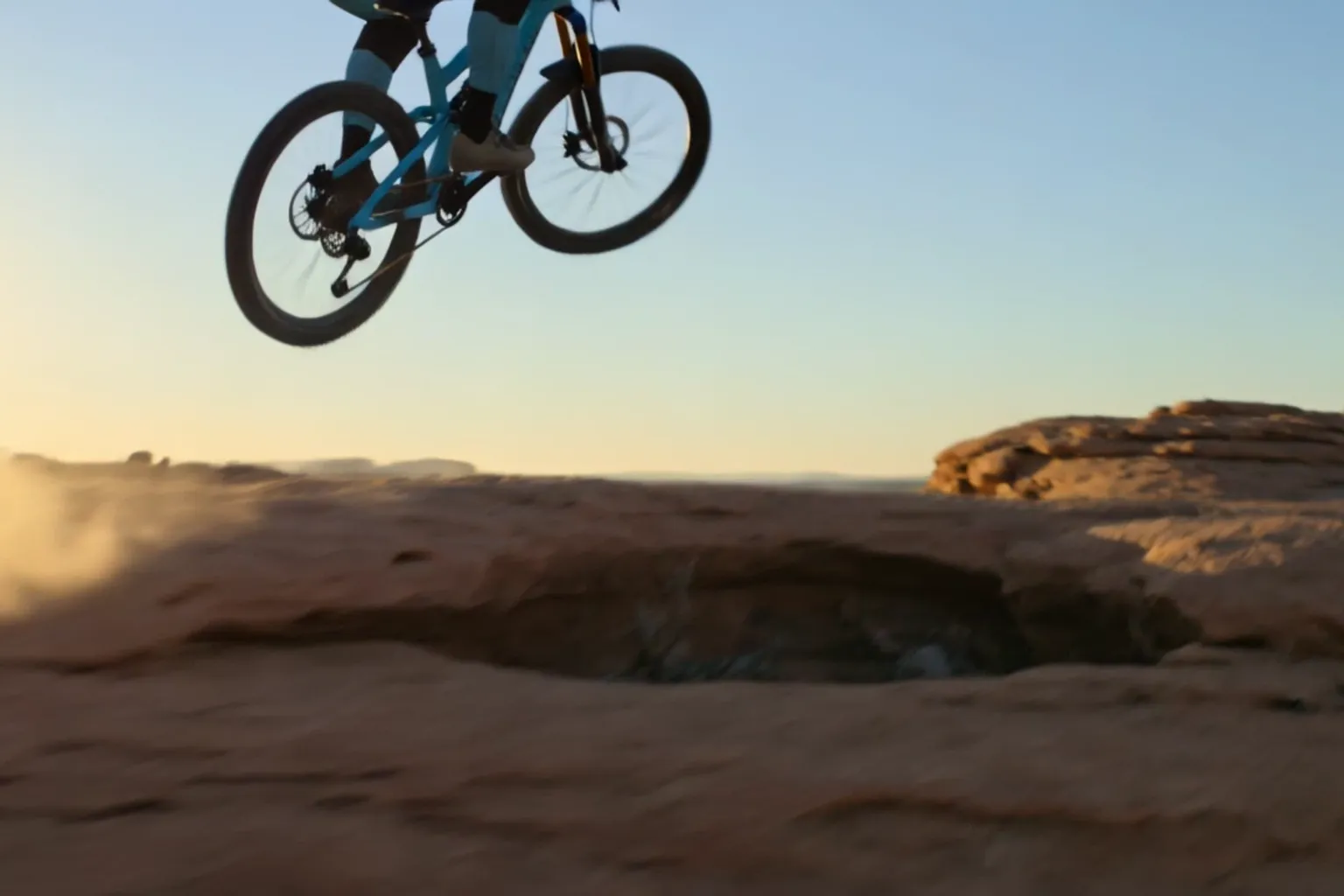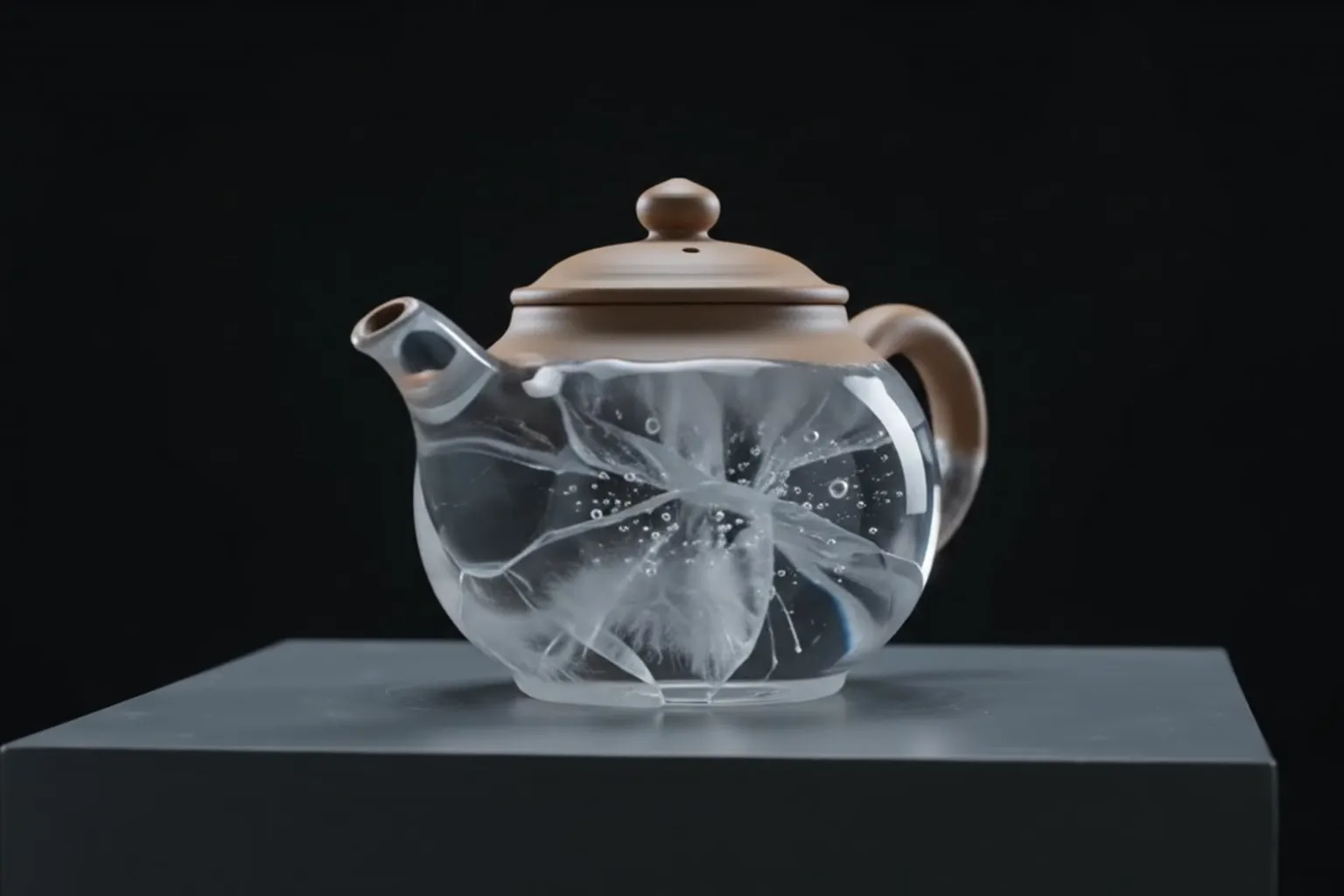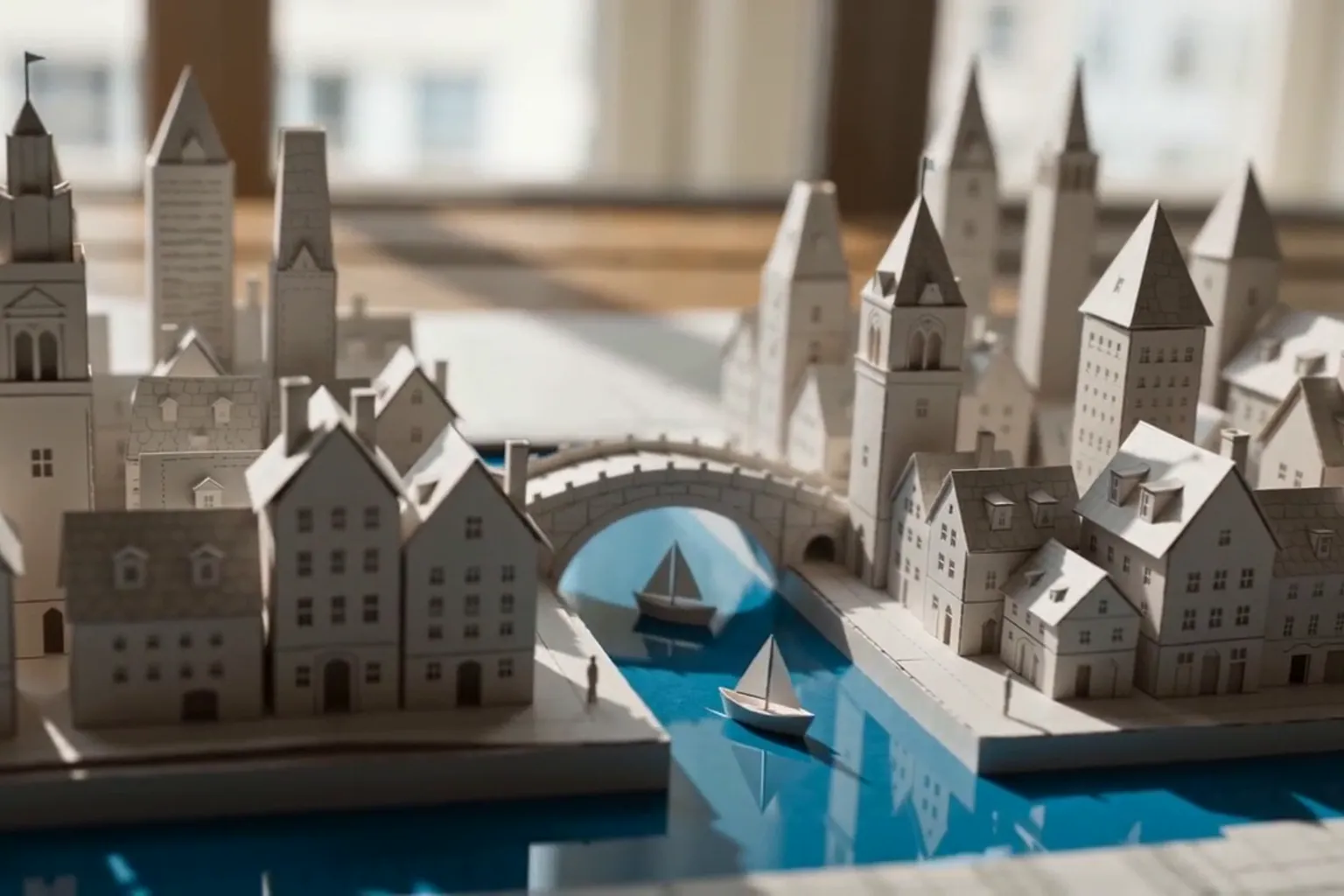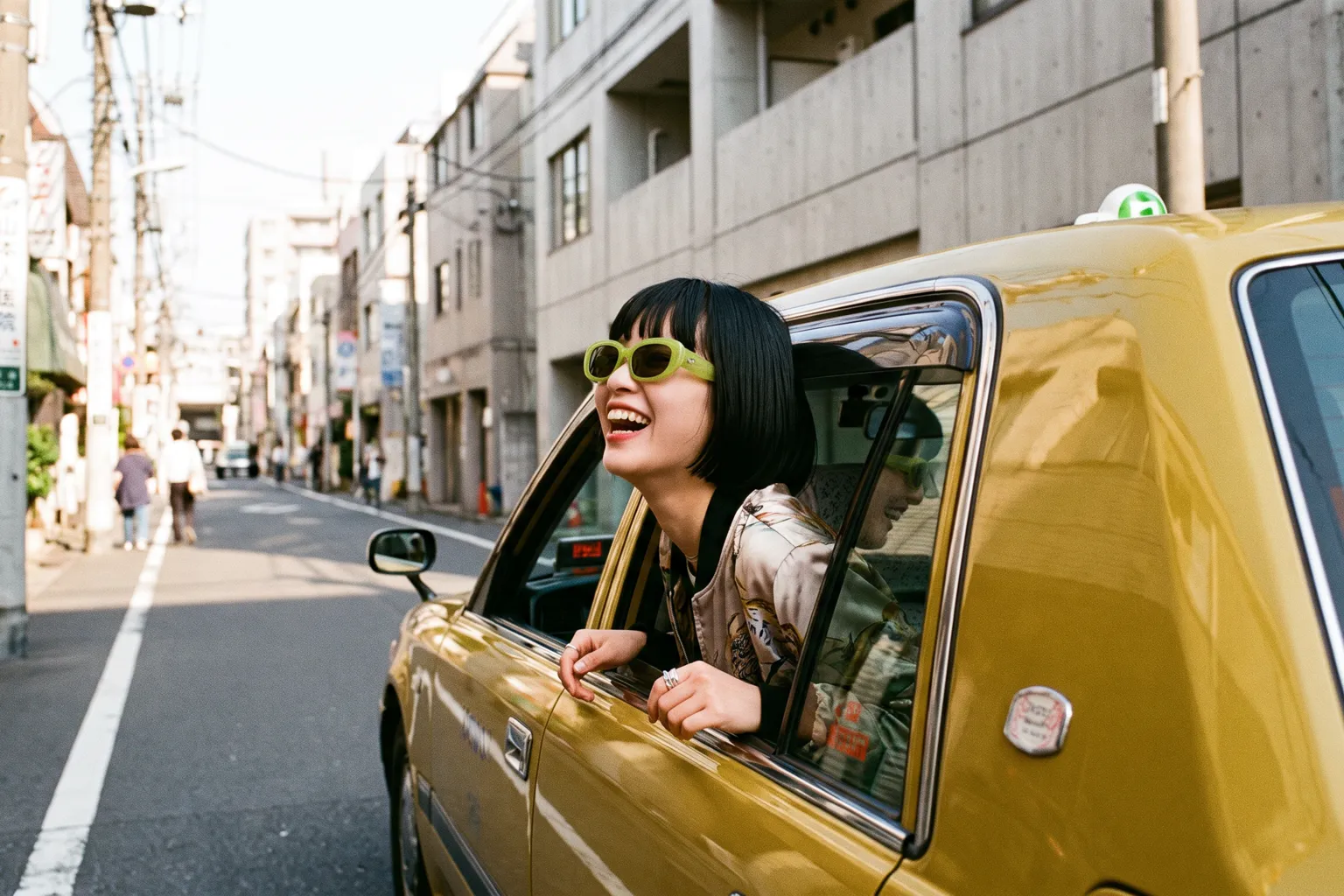
At 5 credits for a one-second test, Grok Imagine is where an idea gets tried ten ways before it gets polished once.
How to use Grok Imagine on Nsketch: 1 to 15 second clips with sound, seven aspect ratios, short prompt patterns and exact credit costs per clip.
What Grok Imagine Is Good At
Grok Imagine is xAI's video model for quick, inexpensive clips with sound. On Nsketch a one-second 480p clip costs 5 credits, and every clip comes with audio at no extra charge. That price makes it the place to try an idea several ways before you spend more on a final render.
It covers more frame shapes than most video models in the picker: 16:9, 9:16, 1:1, 4:3, 3:4, 3:2 and 2:3. The 3:2 and 2:3 options suit photo-style framing that would otherwise need a crop.
The trade-offs are resolution and control. Output stops at 720p, and you can start only from text or a single image. There are no end frames and no reference images or videos, so you cannot hand it a character sheet and expect the same face across clips. Grok Imagine needs a paid plan, and the spec summary lives on the Grok Imagine model page.
Grok Imagine Settings on Nsketch
Length is not limited to presets. You can pick any whole number of seconds from 1 to 15, which helps when a clip has to fit an exact gap in an edit.
Grok Image 1.5 sits in the same picker as the image-to-video version. It needs exactly one starting image and can render at 480p, 720p or 1080p, so it is the route to take when you want a still animated at a higher resolution than Grok Imagine allows.
| Setting | Grok Imagine | Grok Image 1.5 |
|---|---|---|
| Input | Text or one image | Exactly one image |
| Length | 1 to 15 seconds | 1 to 15 seconds |
| Resolution | 480p, 720p | 480p, 720p, 1080p |
| Audio | Included with every clip | Included with every clip |
How to Write Grok Imagine Prompts
Short clips reward short prompts. Give one subject one clear action, place it in a specific setting with a time of day, name a camera angle, and list the sounds you want to hear. Two or three sentences usually cover a clip under 10 seconds.
Because sound is always generated, write it in. If you leave audio out of the prompt, the model still produces a track; naming the sounds steers what you get. Wheels on concrete, rain on a car roof or a crowd murmur are more useful than "good audio".
A pattern to start from: [subject] + [one action] + [setting and light]. [Camera angle and move], [two or three sounds]. [Look in one or two words].
- Match the action to the length: one move for 3 to 5 seconds, a move and a reaction for 8 to 10
- When animating an image, describe only the motion and sound; the image already sets the scene
- Pick the aspect ratio before writing, so the subject's placement fits the frame
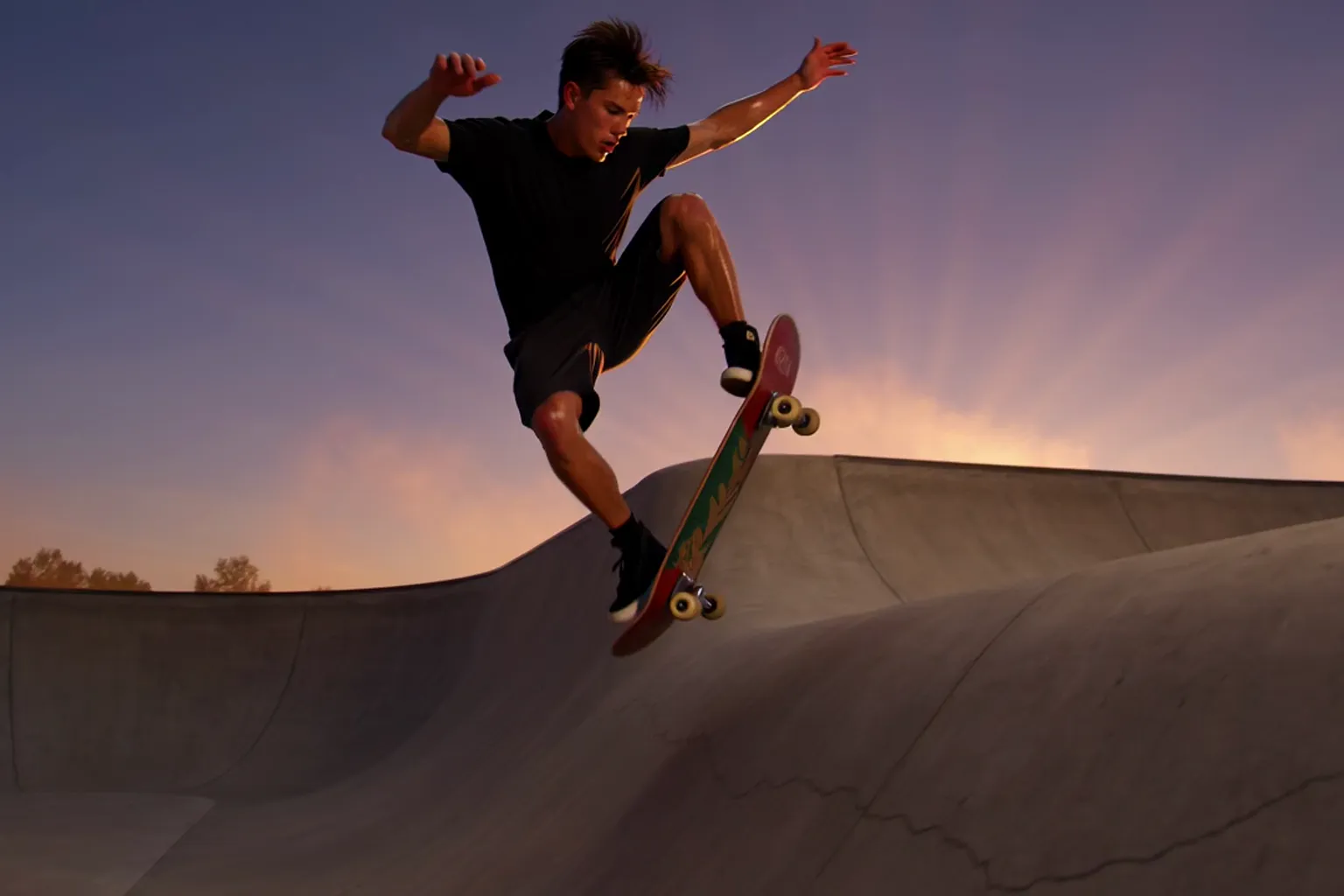
Worked Example: A Skate Clip at Dusk
The prompt follows the pattern above. The first sentence holds the subject, the setting, the light and the one action that matters: the kick-up and catch, marked for slow motion. The second sentence sets a low-angle tracking camera and two sounds. The last two words set the look.
This clip ran 8 seconds at 720p in 16:9 with sound on, which costs 45 credits. The same clip at 480p costs 35.
Grok Imagine · 8 seconds · 720p · 16:9 · sound on
Prompt
A skateboarder carves through an empty concrete bowl at dusk, sparks of orange light from the setting sun, slow motion as he kicks the board up and catches it. Low-angle tracking shot, wheels rolling on concrete, light wind. Vivid, cinematic.
What Grok Imagine Costs in Credits
Price depends only on length and resolution, since sound is always included. A cheap way to work: test the motion at 3 seconds and 480p for 12 credits, then render the version you keep at the length you need in 720p.
| Length | 480p | 720p |
|---|---|---|
| 1 second | 5 | 6 |
| 3 seconds | 12 | 18 |
| 5 seconds | 20 | 29 |
| 8 seconds | 35 | 45 |
| 10 seconds | 43 | 56 |
| 15 seconds | 62 | 79 |
When to Pick a Different Nsketch Model
Pick Kling 3.0 when the clip needs cuts or a fixed ending. It splits one clip into up to 6 shots, takes a first and last frame, and renders at 1080p in Pro. A 6-second Standard clip with audio costs 132 credits.
Pick Seedance 2.5 when the shot runs past 15 seconds or has to follow uploaded images, clips or audio. It makes 4 to 30 second clips with sound.
Pick Gemini Omni Flash when you want to change footage you already have, such as the weather or an object in a clip, rather than generate a new scene. Its Nsketch integration does not generate audio.
FAQ
Frequently asked questions
Grok Imagine does not take reference images, so the closest option is to animate the same starting image each time. Describe the character in the same words in every prompt as well.
No. Audio is generated with every clip, and the price depends only on length and resolution.
Render one or two seconds at 480p, which costs 5 or 9 credits. Once the motion looks right, render the full length at 720p.
When you are animating a single image and want 1080p. Grok Imagine stops at 720p; Grok Image 1.5 renders at 480p, 720p or 1080p from exactly one starting image.
9:16 for vertical feeds and 16:9 for wide video. Grok Imagine also offers 1:1, 4:3, 3:4, 3:2 and 2:3.