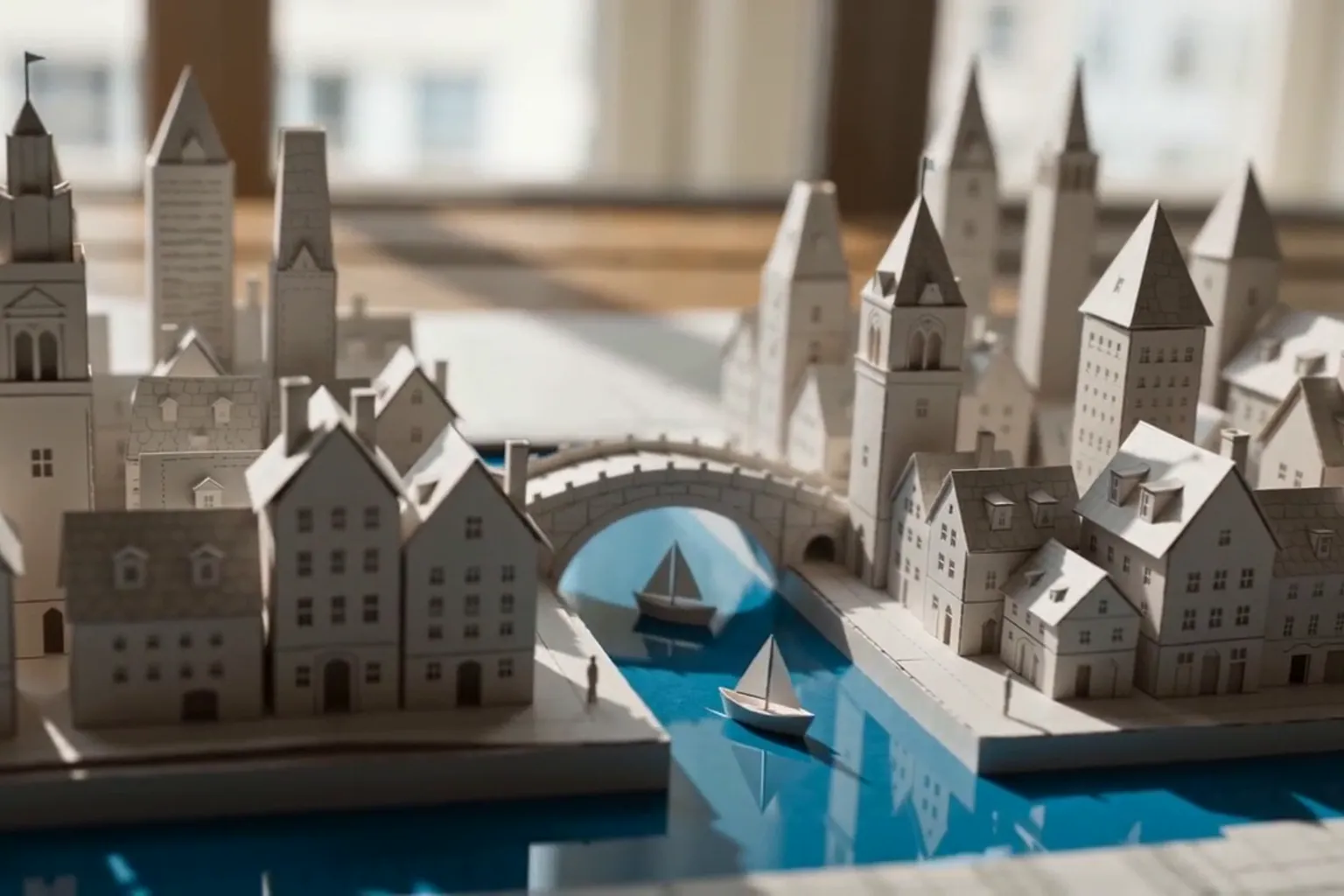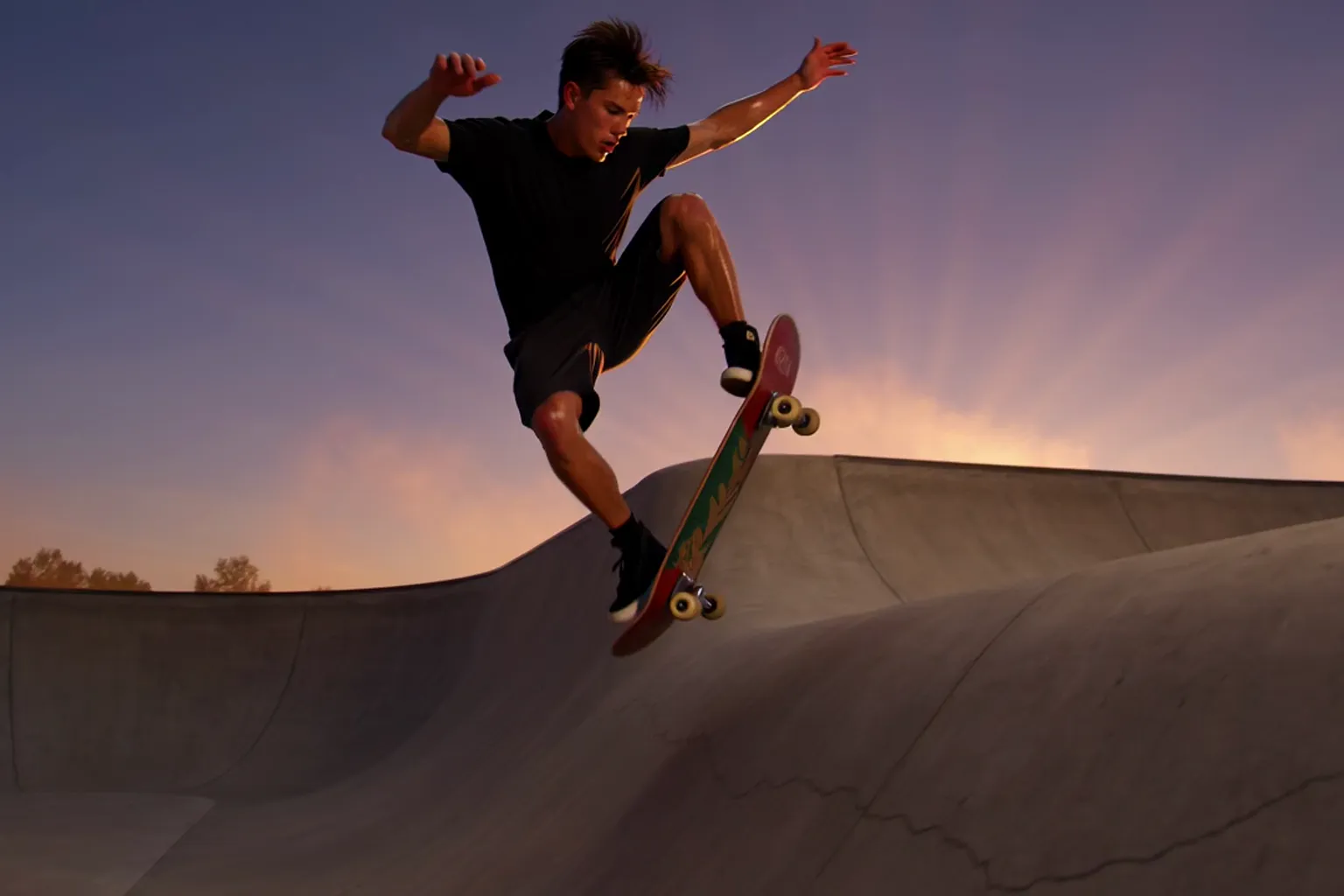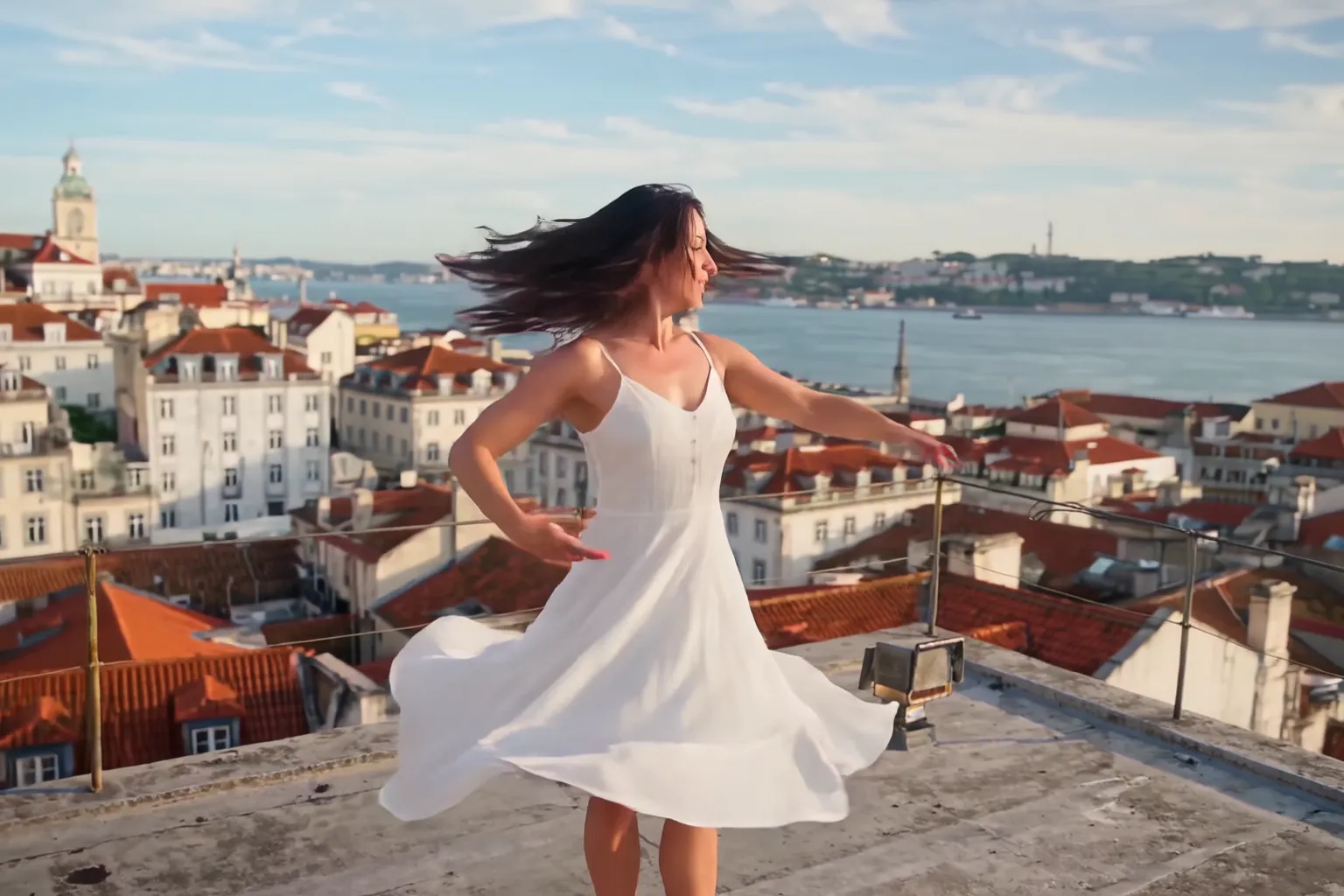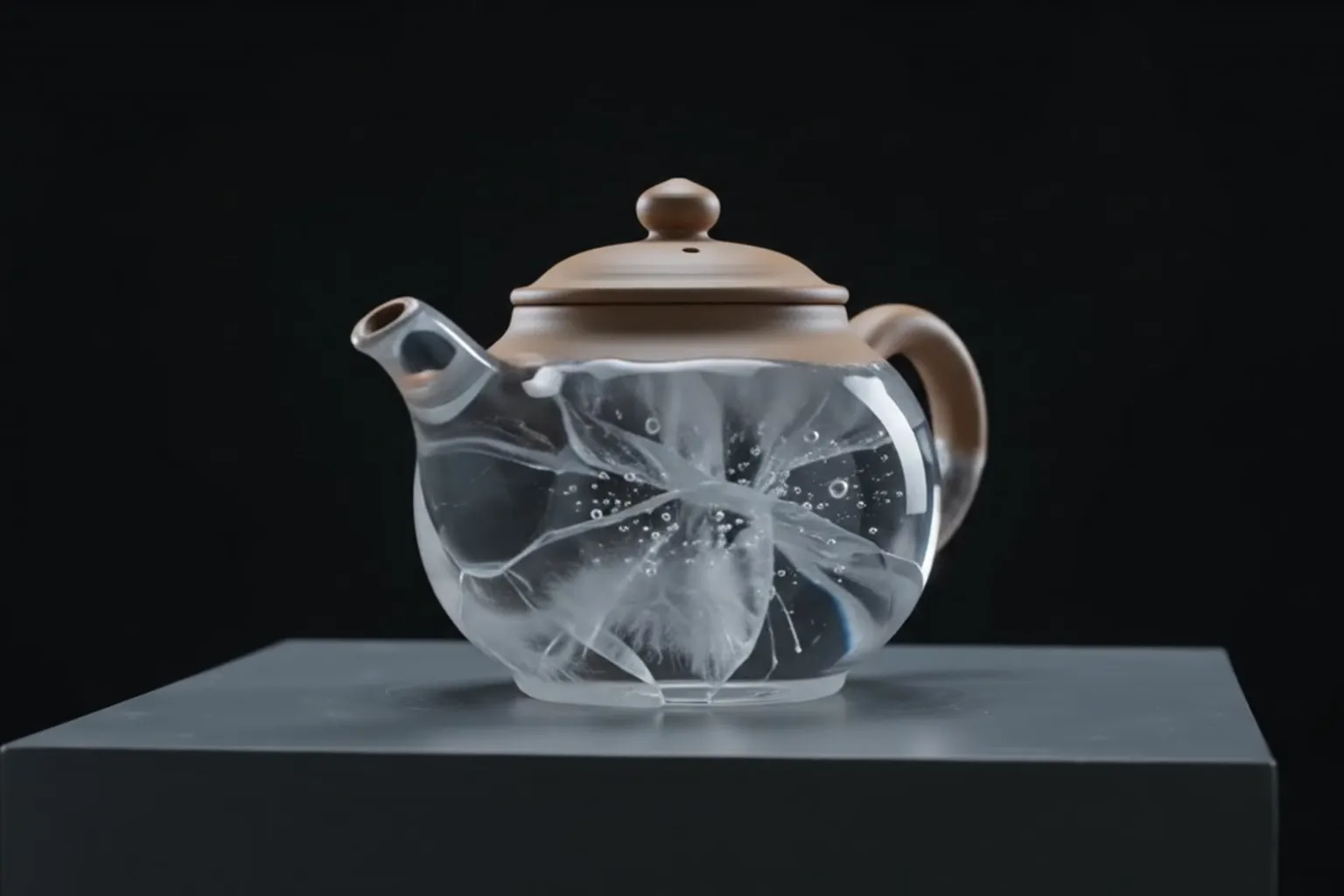
Give each Kling 3.0 shot one action and one camera move, and let the cut between shots do the rest.
How to use Kling 3.0 on Nsketch: up to 6 shots in one 3 to 15 second clip, first and last frames, audio, prompt patterns and what each clip costs.
What Kling 3.0 Is Good At
Kling 3.0 is Kuaishou's video model for short scenes with cuts. One generation can hold up to 6 shots, each with its own prompt and length, so a locker room, a tunnel walk and a close-up in the ring can come back as a single 3 to 15 second clip instead of three files you stitch together.
Besides text, it can start from a first frame or from a first and a last frame, and you can add up to 3 reference images next to the first frame. That makes it a good fit for product animation, where the opening composition has to match a photo you already have.
The limits are length and shape. Clips stop at 15 seconds, and the only aspect ratios are 16:9, 9:16 and 1:1. Kling 3.0 also needs a paid plan. The full spec list is on the Kling 3.0 model page.
Kling 3.0 Settings on Nsketch
Resolution is tied to the mode. Standard renders at 720p and Pro at 1080p. Audio is a separate switch, and turning it on raises the price.
Two input rules catch people out. Reference images only work when you also give a first frame, and an end frame needs a start frame. If you want a fixed final pose, upload both frames and describe the motion between them.
| Setting | Options on Nsketch |
|---|---|
| Length | 3 to 15 seconds |
| Shots | One prompt, or up to 6 shots with their own prompts and lengths |
| Resolution | 720p (Standard) or 1080p (Pro) |
| Aspect ratio | 16:9, 9:16, 1:1 |
| Inputs | Text, first frame, or first and last frame |
| Reference images | Up to 3, alongside a first frame |
| Audio | Optional, adds to the cost |
How to Write Kling 3.0 Prompts
Write a single-shot prompt as a sequence of events rather than a list of qualities: what happens first, what happens during the main action, and where the camera ends up. Then add the sounds you want and the things that must not appear.
For multi-shot clips, keep each shot to one action and one camera position. The cut does the work of moving the story forward. Each shot's length is part of the plan too: a 2-second insert reads as a beat, while a 5-second shot gives an action room to finish. The shot lengths together have to fall between 3 and 15 seconds.
A pattern that works for one shot: [subject with one or two identifying details] + [first action] + [camera start] + [main action] + [camera move during it] + [how it lands] + [look and light] + [sounds] + [exclusions].
- Name the subject the same way in every shot of a multi-shot clip, down to the clothing color
- Put sounds next to the action that makes them: tire impacts on landing, crowd noise as the doors open
- Write "no cuts" in a single-shot prompt if you do not want the model to add any
- With a first frame, describe only the motion; the image already defines the subject and setting
Worked Example: One Continuous Action Shot
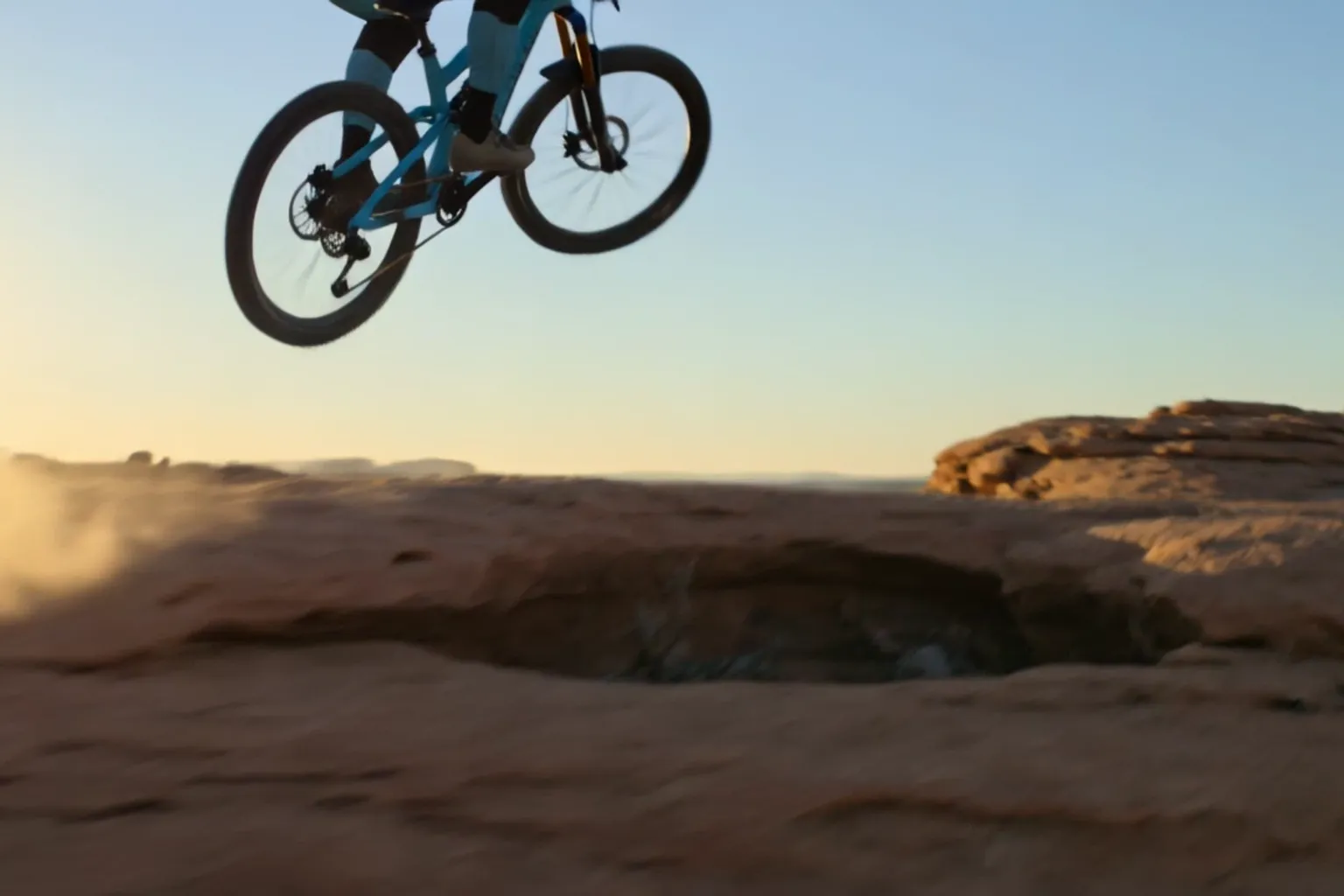
This prompt asks for one continuous shot with three camera stages: a low chase behind the rear wheel, a three-quarter orbit while the rider is in the air, and a landing beside the bike. Each stage is tied to a moment in the ride, so the camera has a reason to move.
The last two sentences carry most of the protection. "One rider and one bicycle only" guards against duplicated subjects during fast motion, and the exclusions rule out crashes, cuts and slow motion that would break the shot.
Kling 3.0 · 6 seconds · 720p · generated in Nsketch
Prompt
A professional downhill mountain biker in a cobalt-blue riding suit races along a narrow red sandstone ridge at sunrise. Start with a low chase camera inches above the rear wheel as gravel sprays toward lens, then the rider launches across a small natural gap. During the jump, the camera rises into a controlled three-quarter orbit and lands beside the rider as both wheels reconnect with the trail and the suspension compresses. Cinematic telephoto compression, warm rim light, crisp airborne dust, convincing tire grip and body mechanics, one rider and one bicycle only. Natural wind, chain rattle, tire impacts and gravel sounds. No crash, no body deformation, no duplicate bicycle, no cuts, no slow motion, no text, no logo, no watermark.
What Kling 3.0 Costs in Credits
Price depends on length, mode and audio. A 6-second Standard clip at 720p costs 88 credits with audio off and 132 with audio on. The same clip in Pro at 1080p costs 118 credits silent and 206 with sound.
If you plan to add music in an edit anyway, leave audio off. On a 15-second Standard clip that is the difference between 221 and 331 credits. Kling 3.0 Turbo has sound included and starts at 84 credits for 3 seconds.
| Length | Standard 720p | Standard 720p + audio | Pro 1080p | Pro 1080p + audio |
|---|---|---|---|---|
| 3 seconds | 44 | 66 | 59 | 103 |
| 6 seconds | 88 | 132 | 118 | 206 |
| 10 seconds | 147 | 221 | 196 | 343 |
| 15 seconds | 221 | 331 | 294 | 515 |
When to Pick a Different Nsketch Model
Pick Kling 3.0 Turbo, in the same picker, when you start from text or a first frame and want sound included. It does not take end frames or reference images.
Pick Kling 4.0 when the clip has to run longer than 15 seconds or should follow a reference video. It makes 3 to 30 second clips with generated audio and adds 21:9, but it has no first and last frame option. It costs 25 credits a second at 720p.
Pick Grok Imagine when you want to test many rough ideas cheaply. Clips start at 5 credits for one second at 480p, with sound included, though resolution tops out at 720p and there are no end frames or reference images.
FAQ
Frequently asked questions
No. On Nsketch, Kling 3.0 accepts up to 3 reference images only when you also upload a first frame. Without one, write the subject's look into the prompt.
Standard renders 720p and Pro renders 1080p. Draft the motion in Standard, then render the version you keep in Pro: a silent 6-second clip goes from 88 to 118 credits.
In Standard, audio takes a 6-second clip from 88 to 132 credits. In Pro, the same clip goes from 118 to 206 credits.
The shots together have to land between 3 and 15 seconds, the same range as a single-shot clip. You choose how those seconds are split across up to 6 shots.
No. An end frame needs a start frame, so upload both images and describe the motion that connects them.