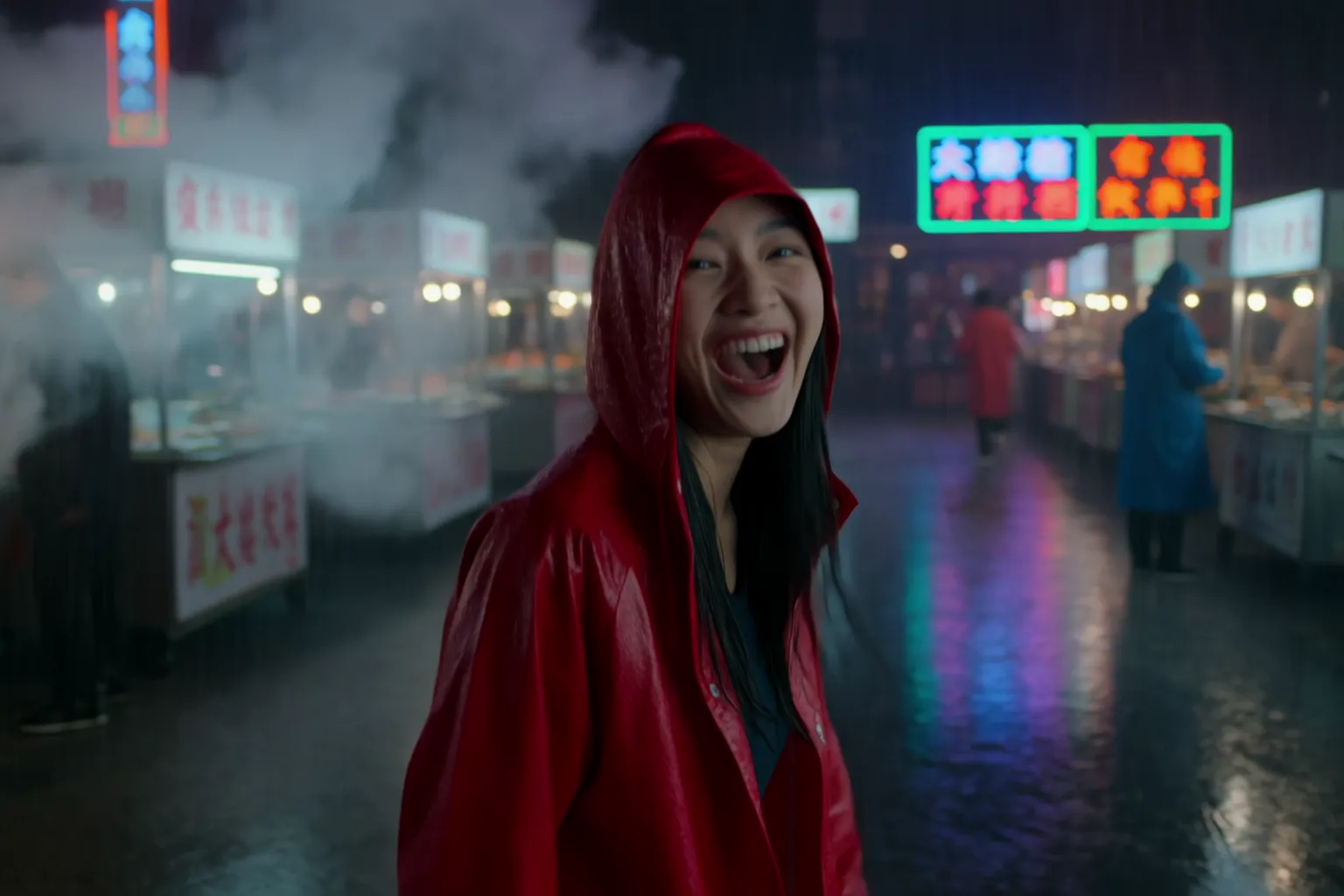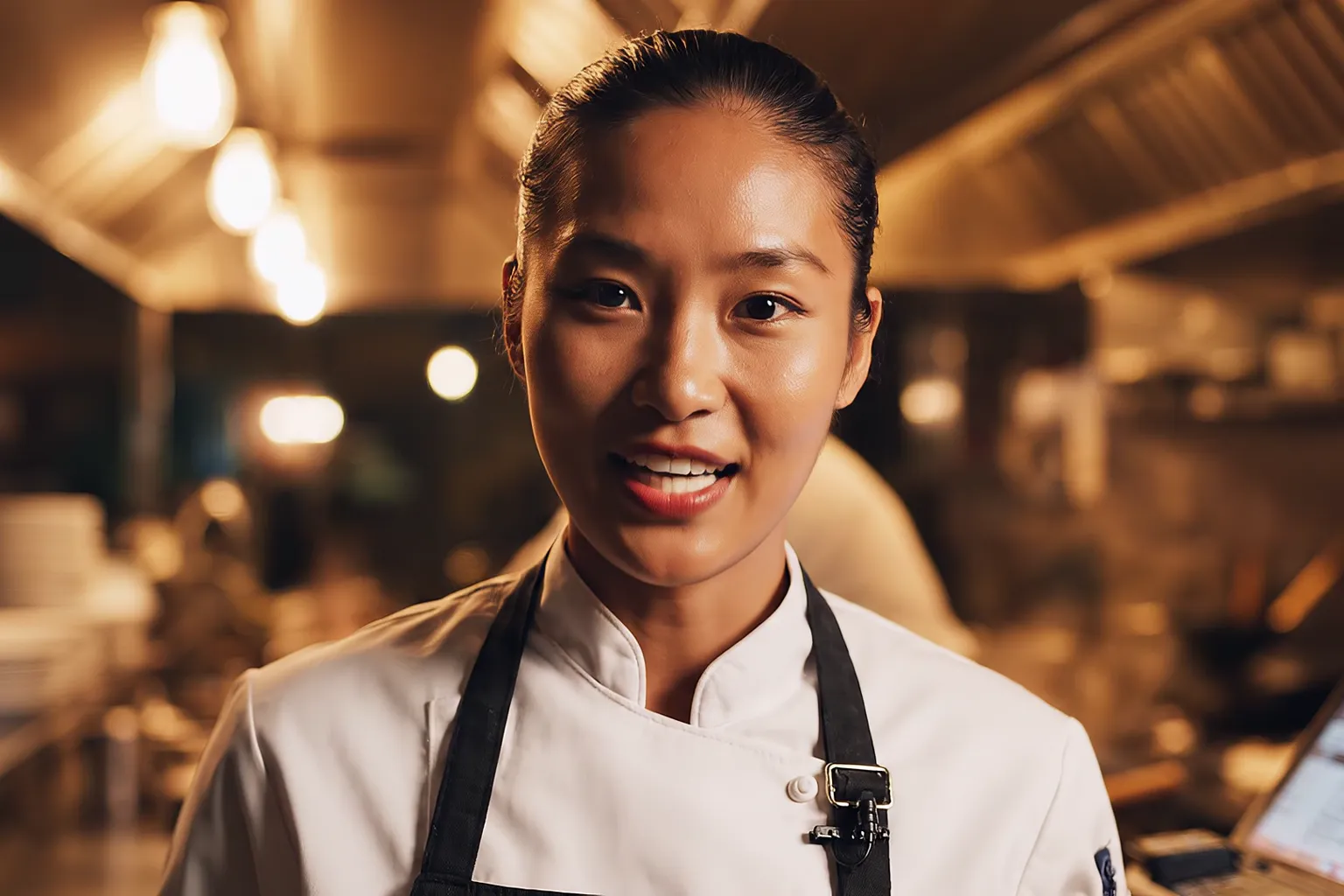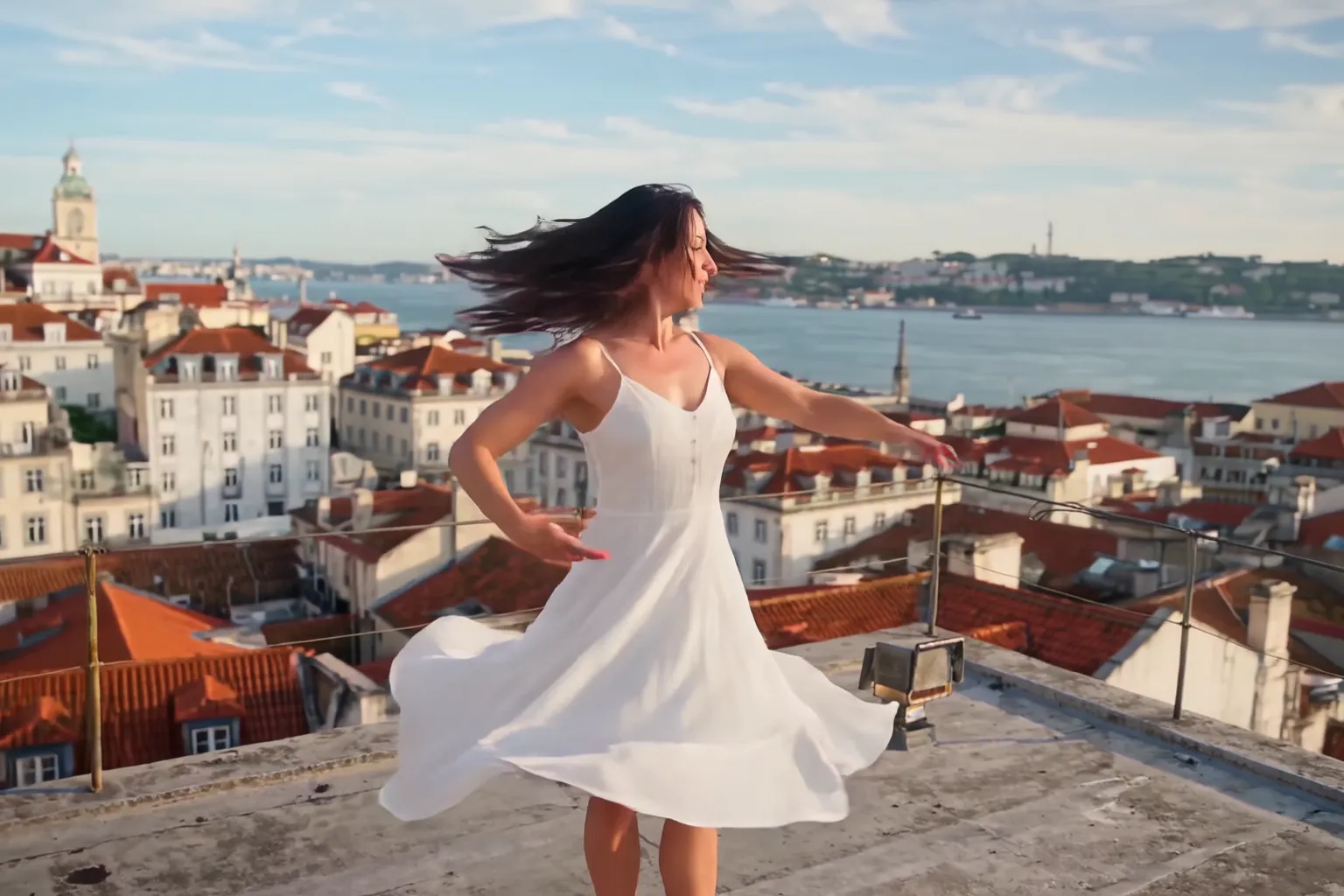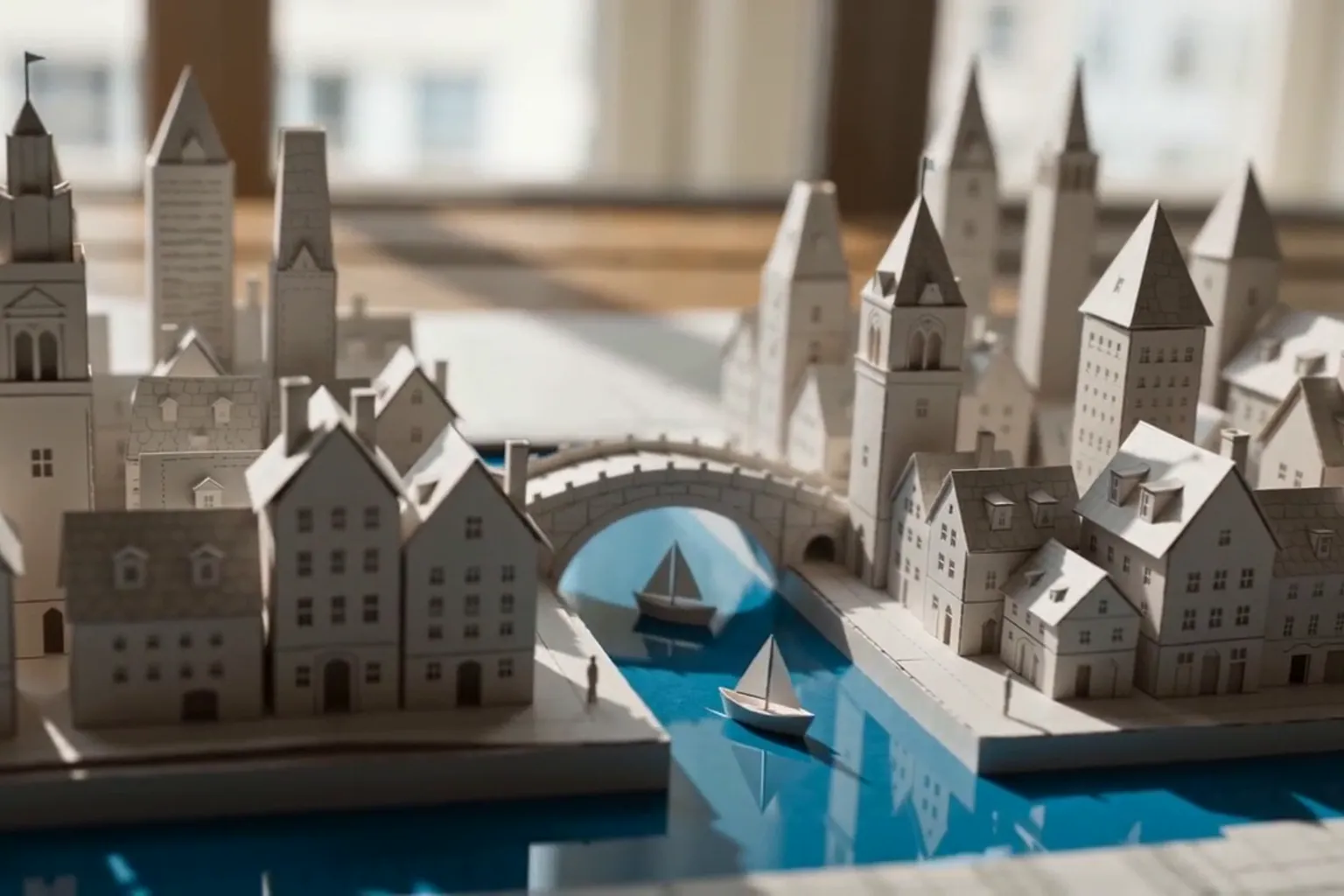
Test a Seedance 2.5 prompt at 480p for 60 credits, then pay for 1080p only once the take works.
How to use Seedance 2.5 on Nsketch: 4 to 30 second takes with sound, reference limits, a prompt pattern for long shots and what each second costs.
What Seedance 2.5 Is Good At
Seedance 2.5 is ByteDance's model for long single takes. On Nsketch it generates 4 to 30 seconds as one continuous shot, with ambience, effects and speech made in the same pass as the picture. The model plans the whole take at once, so a character keeps the same face and outfit from the first second to the last, and there is no cut where the lighting can jump.
Three Nsketch models reach 30 seconds, and Seedance 2.5 takes the most references of the three: up to 30 images, 3 videos and 10 audio clips in one generation. Kling 4.0 takes 10 images and 5 videos, and Wan 3.0 takes 10 images, 5 videos and 5 audio clips. That pack size suits ads built from a product's catalog shots, a clip for the camera move and a recorded voice line.
The trade-offs are price and input rules. At 1080p it bills 85 credits a second, the highest rate of those three models. A generation uses either first and last frames or reference media, never both, and a reference video overrides the aspect ratio you picked.
Seedance 2.5 Settings on Nsketch
These are the options the Nsketch generator offers for Seedance 2.5. Audio costs nothing extra, so leave it on unless you plan to score the clip yourself.
Reference videos and audio clips are each capped at 30 seconds in total across all files. If you want three camera references, trim them so they add up to 30 seconds before you upload, and export them at the aspect ratio you plan to deliver.
| Setting | Seedance 2.5 on Nsketch |
|---|---|
| Length | 4 to 30 seconds, one continuous shot |
| Resolution | 480p, 720p or 1080p |
| Aspect ratio | 16:9, 9:16, 1:1, 4:3, 3:4 or 21:9 |
| Audio | On or off, same price |
| Reference images | Up to 30 |
| Reference videos | Up to 3, 30 seconds in total |
| Audio references | Up to 10 clips, 30 seconds in total |
| Frames | First and last frame, instead of reference media |
How to Write a Seedance 2.5 Prompt
Write the prompt as a shot plan. Name one subject, give it a physical action with a clear finish, place it somewhere with surfaces and weather, and say how the camera moves. Then list the sounds you want to hear. Each of those does more than a stack of mood words.
Split long takes into stages. For a 20-second clip, write time ranges, give each range one main action, and say where the subject and camera are when the range ends. The next stage starts from that position, and the last seconds have something to resolve instead of an open slot for a new event.
Give every upload a job. Say what each reference controls, such as a face and clothing or a camera path, and what it must leave alone, such as the background or the subject. Our Seedance 2.5 prompt guide covers timestamps, reference roles and dialogue in more depth.
- Summary: subject, place, event, look and camera in one sentence
- Stage, one per time range: action, camera move, sound and a visible end state
- References: what each file controls and what it must not change
- Global rules: what stays constant, then exclusions such as no cuts, no extra people, no text
Worked Example: A One-Take Conservatory Walk
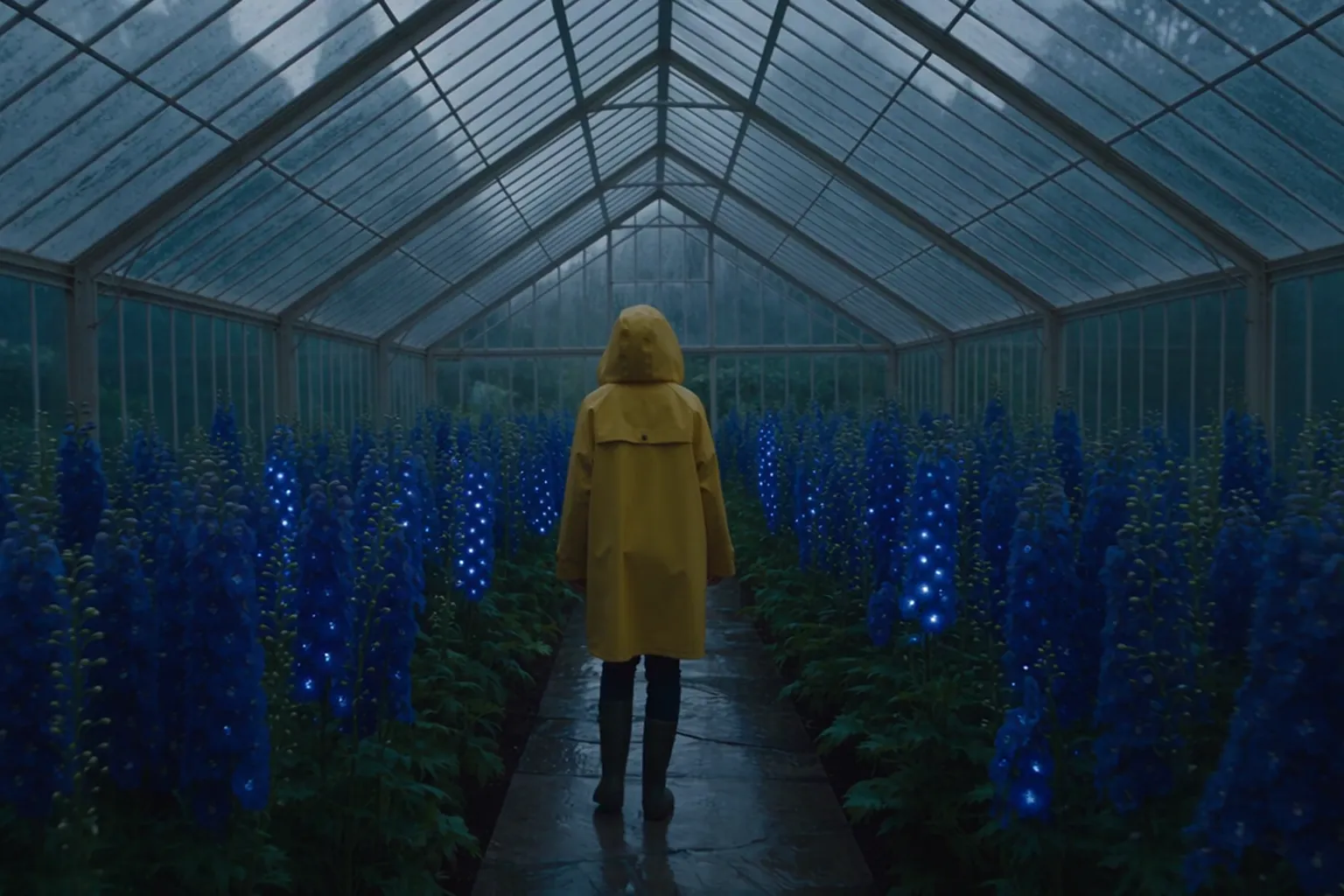
This 8-second clip follows the pattern in one block. It opens on a macro of rain beads on a fern, racks focus to a botanist on a stone path, and finishes on a side-tracking medium-wide shot as she stops and looks up. The flowers light up in a wave behind her, which gives the camera a reason to travel.
The closing block protects the take: one botanist, the same yellow coat, the same conservatory layout, then a list of failures to avoid, including extra people, wardrobe changes, cuts and readable text. Each sound sits next to the action that makes it, from damp footsteps to a chime as each flower opens.
Seedance 2.5 · 8 seconds · 720p · generated in Nsketch
Prompt
[Generation Goal] Generate an eight-second cinematic nature-fantasy film with one continuous subject and one flowing camera move. [One-Sentence Summary] At blue hour inside a vast glass-roofed botanical conservatory, a lone botanist in a mustard-yellow raincoat walks through waist-high bioluminescent flowers as their light wakes in sequence behind her. [Specific Plot Description] Begin at leaf level in an extreme macro of rain beads trembling on a fern. The camera glides through the leaves and racks focus to the botanist walking along a narrow stone path. As she passes, clusters of blue and violet flowers bloom and illuminate one after another in a natural wave, casting moving light across her coat and the wet glass walls. Finish on a smooth side-tracking medium-wide shot as she pauses beneath the glowing canopy and looks upward. Rain falls visibly beyond the glass. (Quiet atmospheric synth pad with no melody) <Soft rain against glass, damp footsteps, leaves brushing fabric, a delicate crystalline chime as each flower opens> [Global] Photorealistic botanical detail, blue-hour window light, realistic wet surfaces, subtle volumetric haze, shallow depth of field at the opening that deepens during the tracking shot. Keep the same single botanist, the same yellow coat, and the same conservatory layout throughout. No extra people, no duplicated body parts, no wardrobe changes, no abrupt cuts, no subtitles, no readable text, no logo, no watermark.
What Seedance 2.5 Costs in Credits
Seedance 2.5 bills per second of video: 15 credits a second at 480p, 34 at 720p and 85 at 1080p. Sound on or off costs the same.
The example above, 8 seconds at 720p, costs 8 × 34 = 272 credits. The same clip costs 120 at 480p and 680 at 1080p. A full 30-second take costs 450 credits at 480p and 2,550 at 1080p, so find the prompt at 480p on short runs, then render the version you like at the final length and resolution.
Reference videos add to the cost. The generator shows the exact total before you generate, so check it again after attaching a clip.
When to Pick a Different Model
Pick Seedance 2.0 when you need 4K or the cheapest drafts. Its Standard version renders up to 4K, and Mini starts at 28 credits for a 4-second clip, but every 2.0 version stops at 15 seconds.
Pick Wan 3.0 when the clip is long and the budget is tight. It also reaches 30 seconds with image, video and audio references, at 4 credits a second at 480p and 14 at 1080p.
Pick Veo 3.1 for a short clip where a character speaks a line you wrote. It makes 4, 6 or 8 seconds with dialogue, effects and music.
Full specs, sample prompts and the current rates are on the Seedance 2.5 model page.
FAQ
Frequently asked questions
Yes. Pick any length from 4 to 30 seconds. Seedance 2.5 renders it as one continuous shot, so there are no separate clips to stitch together.
No. The per-second rate is the same with sound on or off, so turn it off only when you want a silent clip.
No. Each generation uses either first and last frames or reference media (images, videos and audio). Pick the one that matters more for that shot.
A reference video sets the aspect ratio to match itself, replacing the ratio you chose. Export the reference at your delivery ratio before uploading it.
Run 4 seconds at 480p for 60 credits. When the motion and framing look right, render the full length at the resolution you need.