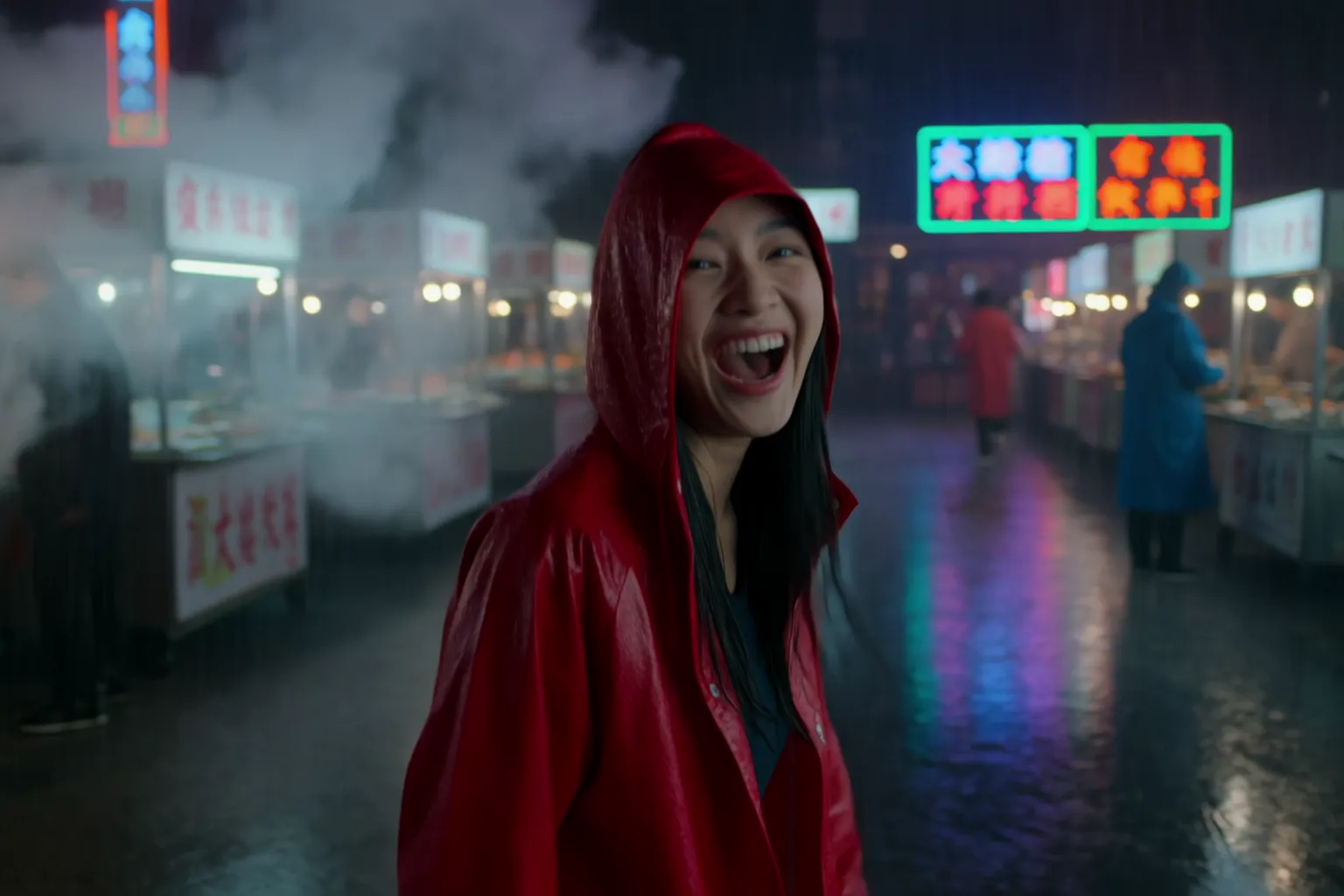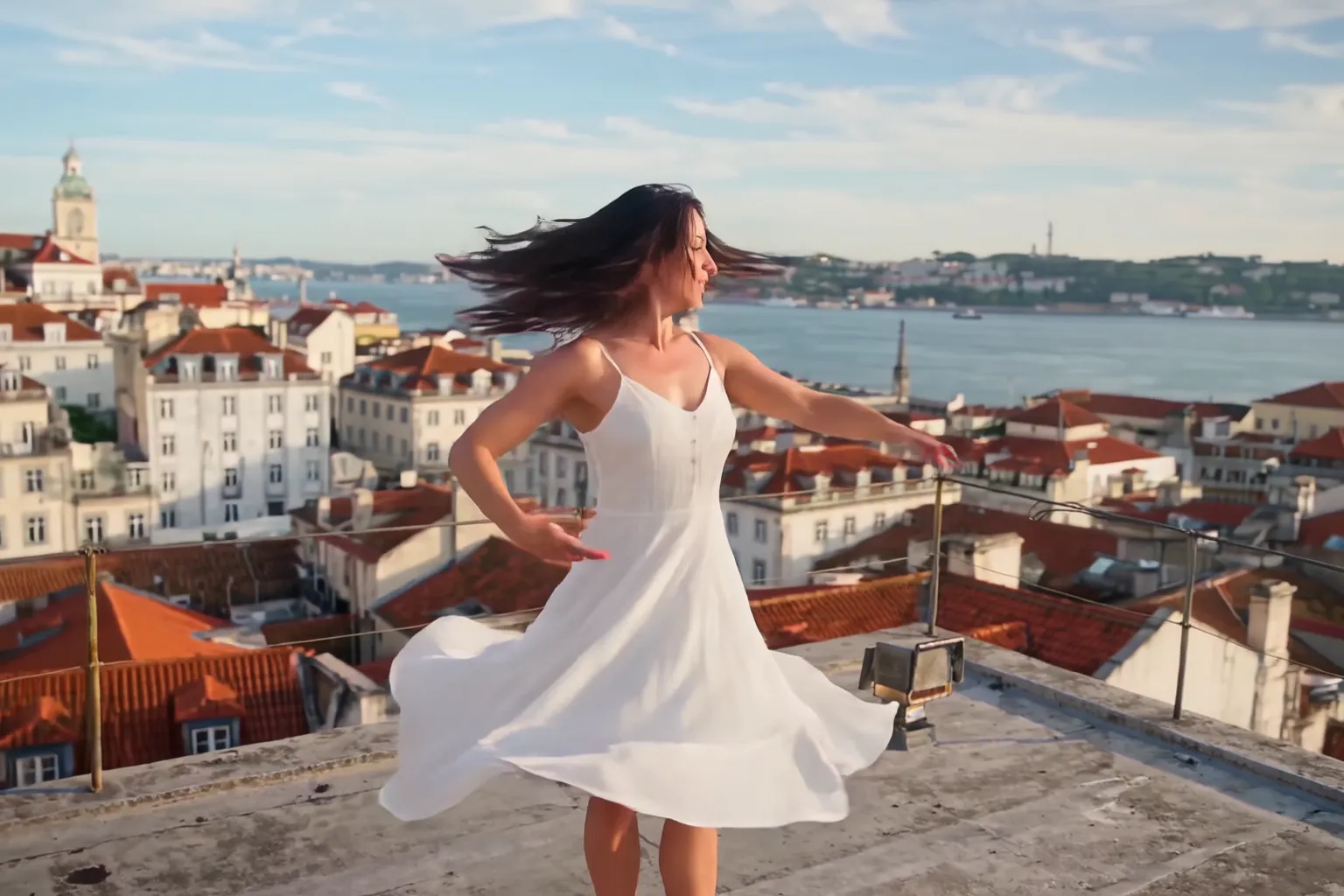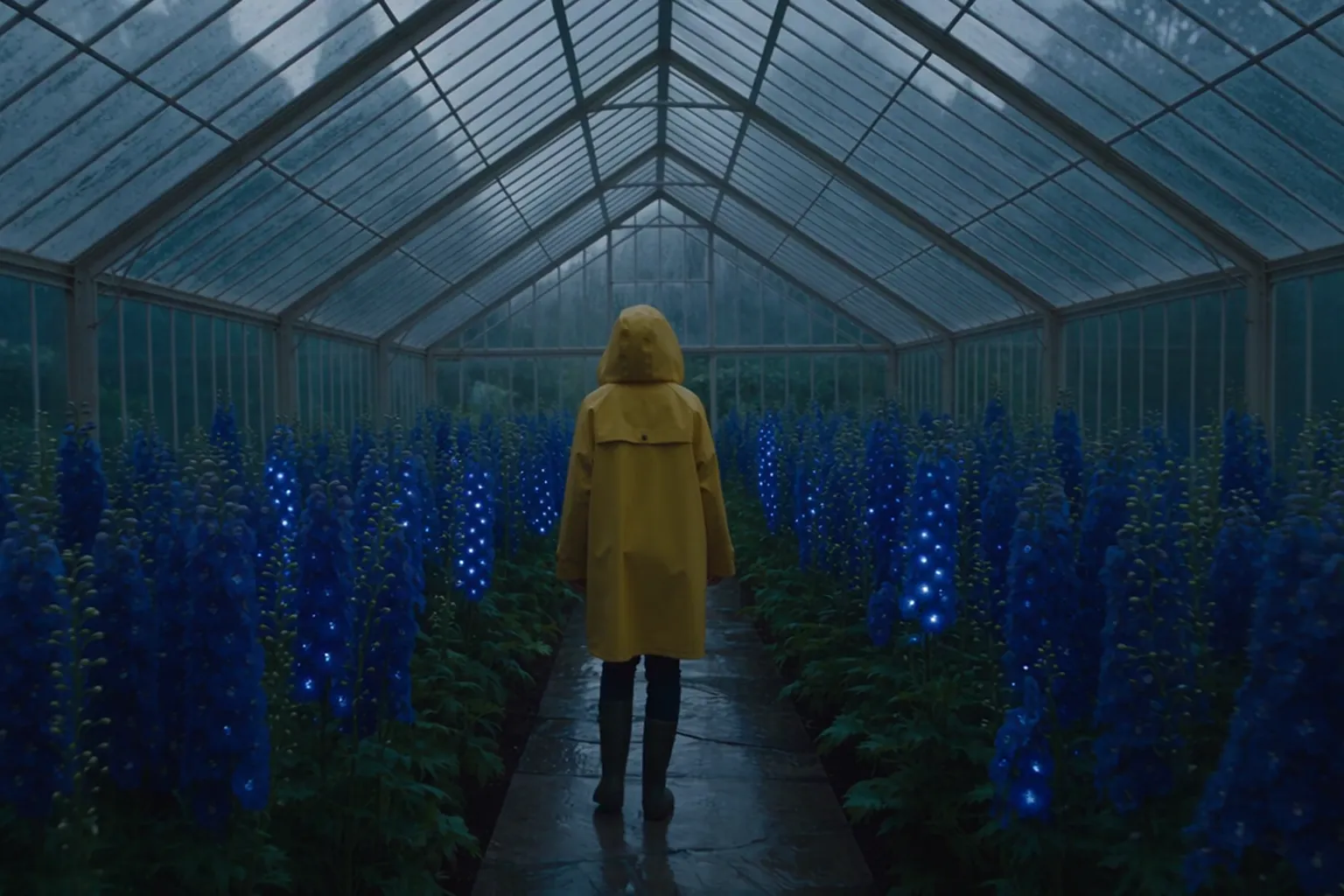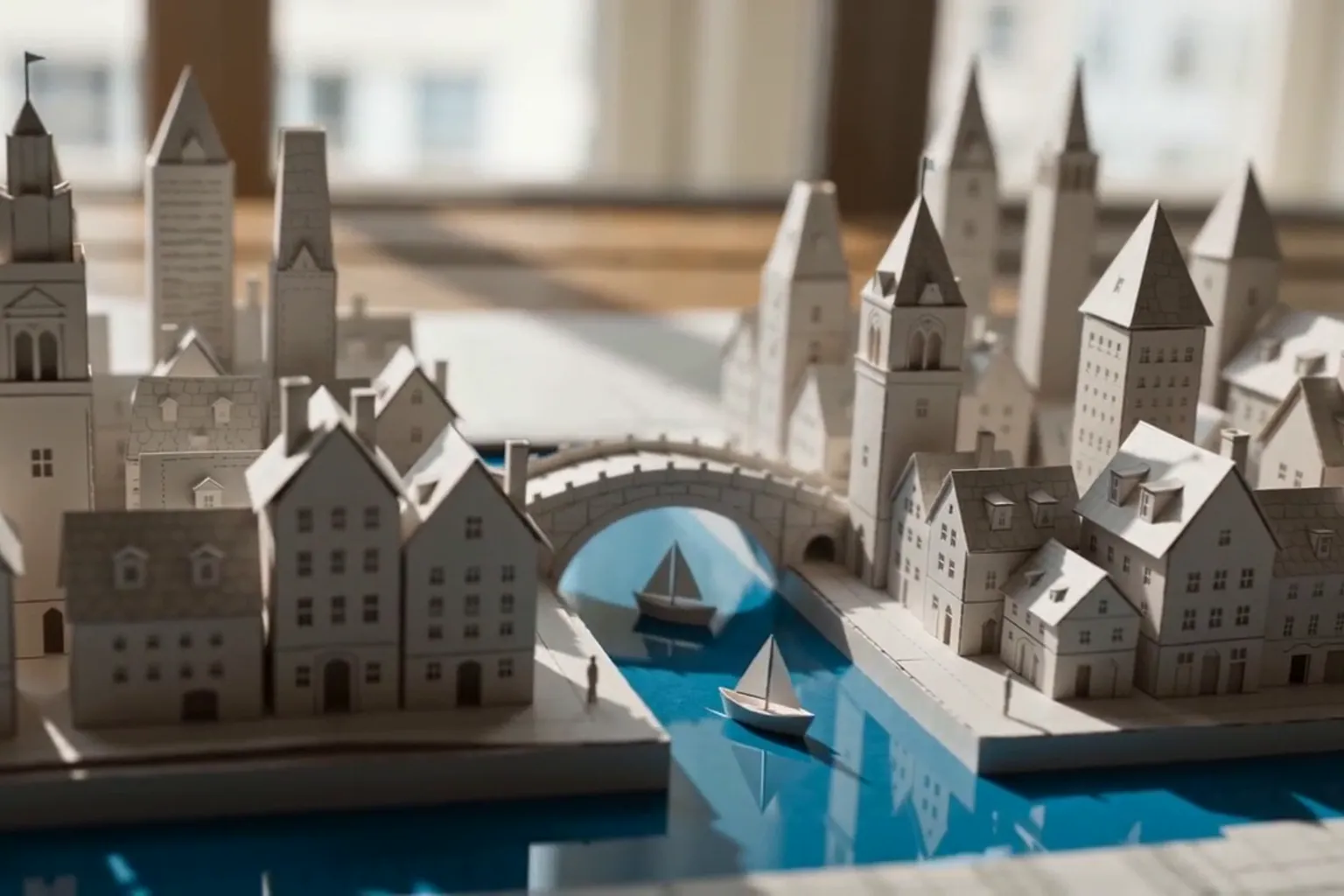
Give Veo 3.1 a line to say, a lens, a light source and a list of sounds, and it has far less to guess.
How to get better Veo 3.1 clips on Nsketch: write the spoken line, lens, light and a sound list. Two worked examples, settings and credit costs.
What Veo 3.1 Is Good At
Veo 3.1 is Google DeepMind's video model for short, realistic clips with spoken dialogue, sound effects and music. On Nsketch it makes 4, 6 or 8 second clips at 720p or 1080p, in 16:9 or 9:16.
Use it for talking clips and skits, where a character speaks a line you wrote and the effects and music come from the same generation. It also animates a still photo while keeping its look, and it fills in the motion between a start frame and an end frame you upload.
The limits are length and format. Eight seconds is the ceiling, there are two aspect ratios, and Veo 3.1 needs a paid plan on Nsketch.
Veo 3.1 Settings on Nsketch
Resolution doesn't change the price, so render at 1080p unless you have a reason not to. Audio does: turning it off halves the cost.
| Setting | Veo 3.1 on Nsketch |
|---|---|
| Length | 4, 6 or 8 seconds |
| Resolution | 720p or 1080p, same price |
| Aspect ratio | 16:9 or 9:16; follows your image when you start from one |
| Audio | On or off; on doubles the price |
| Inputs | Text, a first frame, or a start and an end frame |
| Versions | Veo 3.1, plus Veo 3.1 Fast and Lite for drafts |
| Plan | Paid plan required |
How to Prompt Veo 3.1
A vague scene description leaves Veo to choose the framing, the light, the voice and the soundtrack. A prompt that names the lens, the light source, the exact spoken line and the sounds you want gets far better results, and both examples below were written that way.
Put the dialogue in quotation marks right after the action that leads into it, and keep it short enough to say inside the clip. One sentence or two short ones fit in 8 seconds. Close with an audio list and what to leave out, such as no text and no subtitles.
- Shot: framing, lens and depth of field, such as medium close-up, 35mm anamorphic
- Subject and action: who it is and what they do, in order
- Line: the exact words in quotes, and who they're said to
- Camera: one move with a start and an end, such as a push-in from waist to face
- Light: named sources, such as tungsten practicals or low golden-hour sun
- Audio: three to five sounds, then how the voice should sound
- Exclusions: photorealistic, no text, no subtitles
Example 1: A Chef Delivers One Line
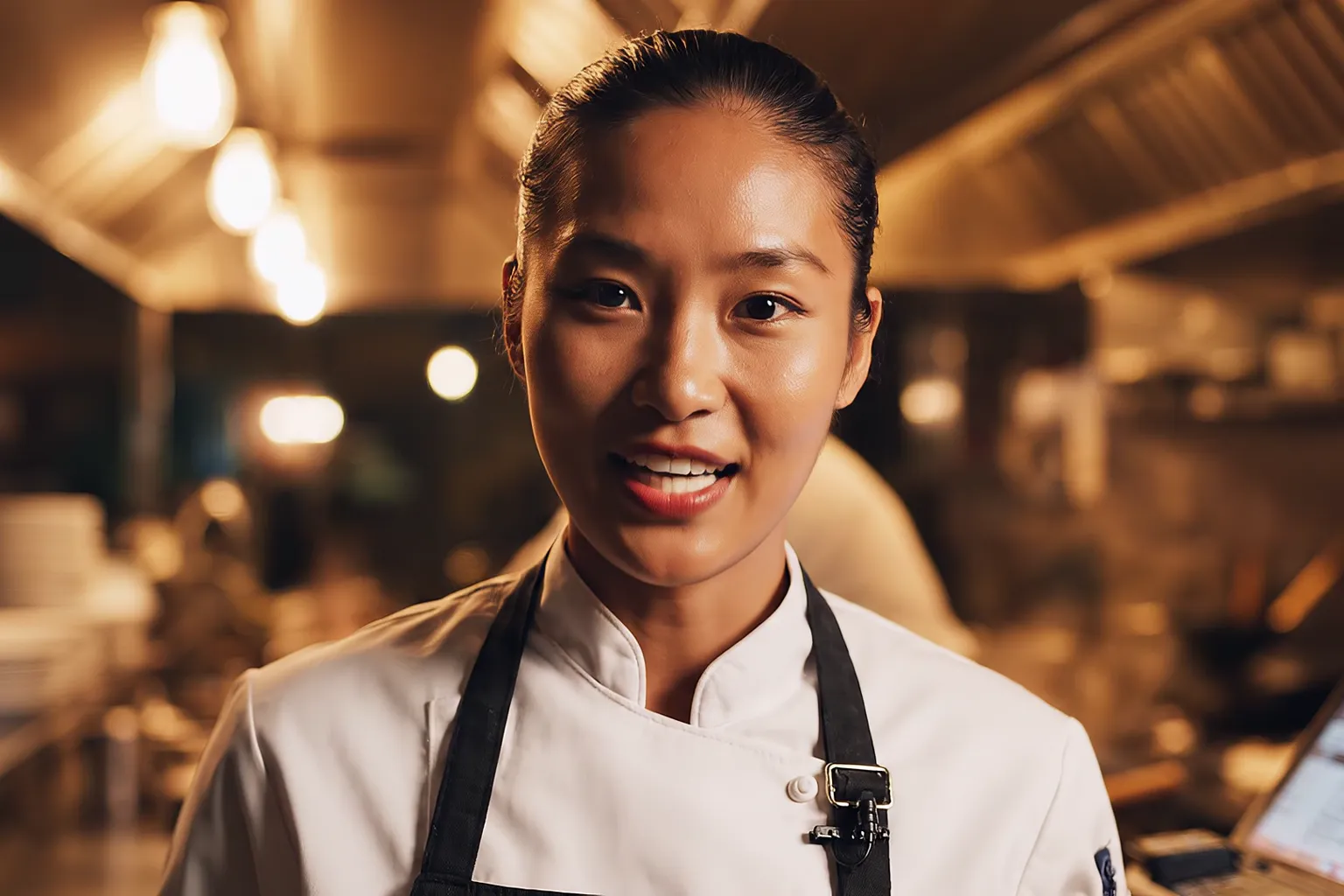
Every slot in the pattern is filled. The first sentence sets the framing, lens and depth of field. The action leads into the line: she plates, sets the dish down, looks into the camera, then speaks. The push-in has a start and an end point, waist to face.
The background gets one event of its own, a wok flame that lights the steam, so the frame behind her moves without competing with her line. The audio list ends on her voice with a note on how it should sound: clear and close-miked.
Veo 3.1 · 8 seconds · 1080p · 16:9 · with dialogue
Prompt
Cinematic medium close-up, 35mm anamorphic lens, shallow depth of field. A young female chef with tied-back dark hair and a white apron stands at the pass of a busy open kitchen at night. She finishes plating a dish with tweezers, sets it on the counter, looks straight into the camera with a confident half-smile and says: "Order up. Table six is going to love this." The camera slowly pushes in from her waist to her face. Behind her, a cook tosses a wok and a burst of orange flame lights the steam. Warm tungsten practicals, glowing highlights on her skin, crisp natural skin texture. Audio: sizzling pans, clattering plates, a ticket printer chattering, her voice clear and close-miked. Photorealistic, no text, no subtitles.
Example 2: A Moving Shot With a Called-Out Line
Here the camera and the subject both move. A backward dolly at handlebar height keeps the rider's face in frame as he comes toward the lens, rings the bell and calls out to someone off-screen.
Small props and events add texture without starting a second story: a baguette in the front basket, pigeons scattering as he passes. The audio list names four sources before his voice, from the bell to church bells, which places the street in Rome by sound as well as by picture.
Veo 3.1 · 8 seconds · 1080p · 16:9
Prompt
Cinematic tracking shot, 50mm lens, golden hour. A young man in a denim jacket rides a vintage bicycle down a narrow cobblestone street in Rome, the low sun flaring between old ochre buildings. The camera dollies backward in front of him at handlebar height. He rings the bell, grins and calls out to someone off-screen: "Ciao! I'll be right back with the bread!" A baguette sticks out of the basket on the front. Pigeons scatter from the street as he passes. Warm, filmic color grade, gentle lens flare, natural motion blur, crisp detail. Audio: bicycle bell, tires rattling on cobblestones, distant Vespa, church bells, his voice clear and natural. Photorealistic, no text, no subtitles.
What Veo 3.1 Costs in Credits
Veo 3.1 prices by length and audio, not resolution. An 8-second clip costs 160 credits with audio off and 320 with audio on. Shorter clips cost proportionally less: 240 credits for 6 seconds with audio, 160 for 4.
Each example above is 8 seconds with sound, so each costs 320 credits whether you render at 720p or 1080p. For drafts, Veo 3.1 Fast starts at 40 credits and Veo 3.1 Lite at 20. Settle the wording and framing there, then render the final with Veo 3.1.
When to Pick a Different Model
Pick Seedance 2.5 or Wan 3.0 when the scene runs past 8 seconds. Both go to 30 seconds with sound, and Wan 3.0 starts at 4 credits a second at 480p.
Pick Kling 4.0 when the subject has to come from your own photos or the camera move from your own clip. Veo 3.1 takes a first frame or a start and end frame, not a pack of reference images and videos.
Pick Seedance 2.0 Standard when the delivery file has to be 4K, or when you need 1:1 or 21:9, which Veo 3.1 doesn't offer.
The Veo 3.1 model page has the full spec list and prompts for a two-line dialogue, an animated still and a start-to-end transition.
FAQ
Frequently asked questions
Turn audio on and write the line in quotation marks, right after the action that leads into it. Say who speaks and how the voice should sound.
No. The price depends only on the length and whether audio is on, so 1080p costs the same as 720p.
No. Each generation is 4, 6 or 8 seconds. For longer scenes, Seedance 2.5, Kling 4.0 and Wan 3.0 go up to 30 seconds.
When you start from an image, the aspect ratio follows that image. Crop it to the ratio you want before uploading.
No. Veo 3.1 needs a paid Nsketch plan.