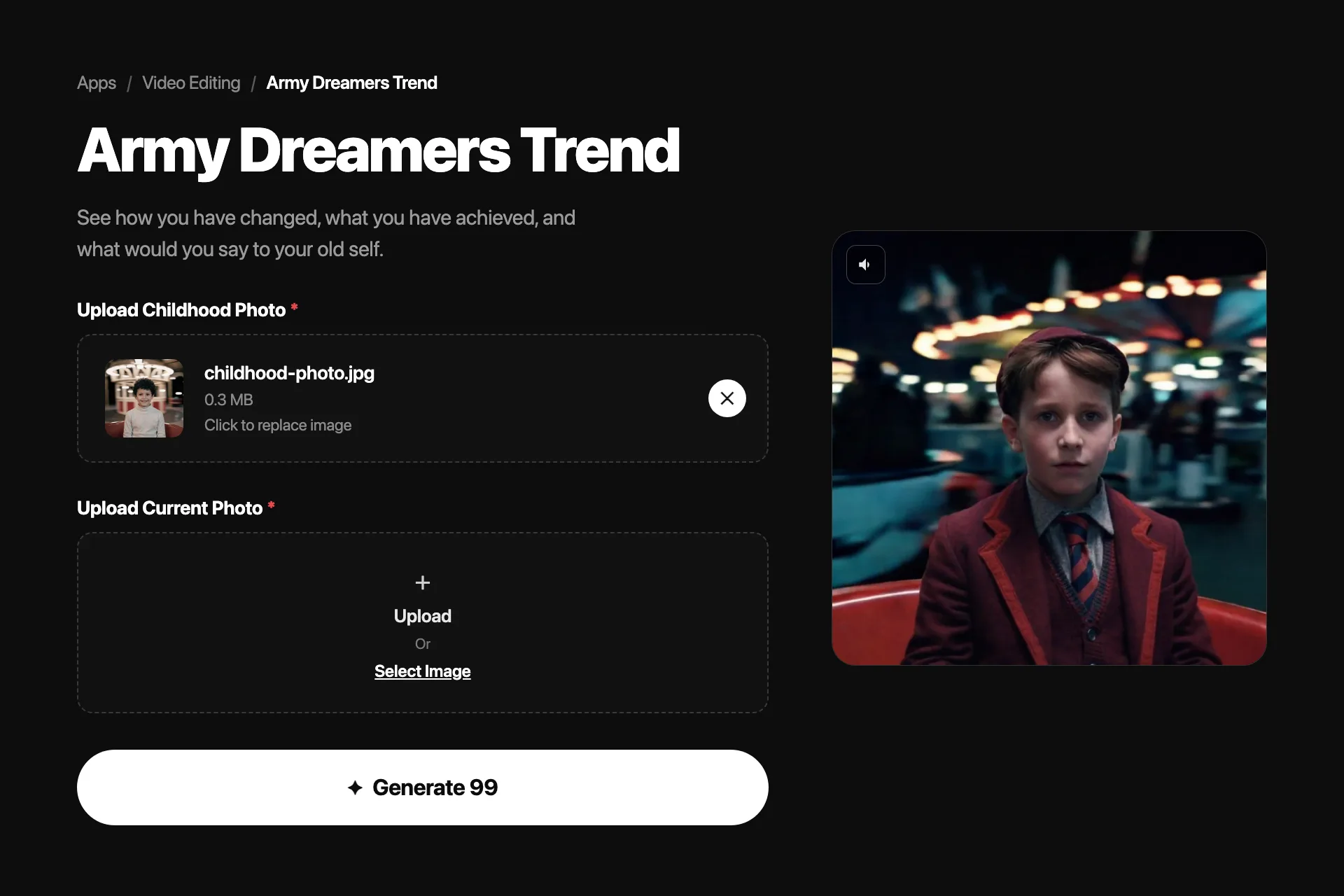
The trend runs on one contrast: the person you were on the carousel, and the person who came back to look at them.
Turn a childhood photo and a current photo into the Army Dreamers carousel video, plus the multi-app route and the photo choices that decide the result.
What the Army Dreamers Trend Is
The Army Dreamers trend cuts between two versions of the same person: the child they were and the adult they became, meeting on a spinning playground carousel. The audio is Kate Bush's 1980 song Army Dreamers, and its slow waltz rhythm and mourning subject give the format its emotional weight.
The carousel format first spread in 2024 as a filmed trend: two people facing each other while the ride spins. The AI wave arrived in early 2026, when creators started generating the carousel shot from photos instead of filming it. A childhood photo becomes the younger segment, a current photo becomes the adult segment, and the edit moves from one to the other in time with the music.
Make It in Nsketch From Two Photos
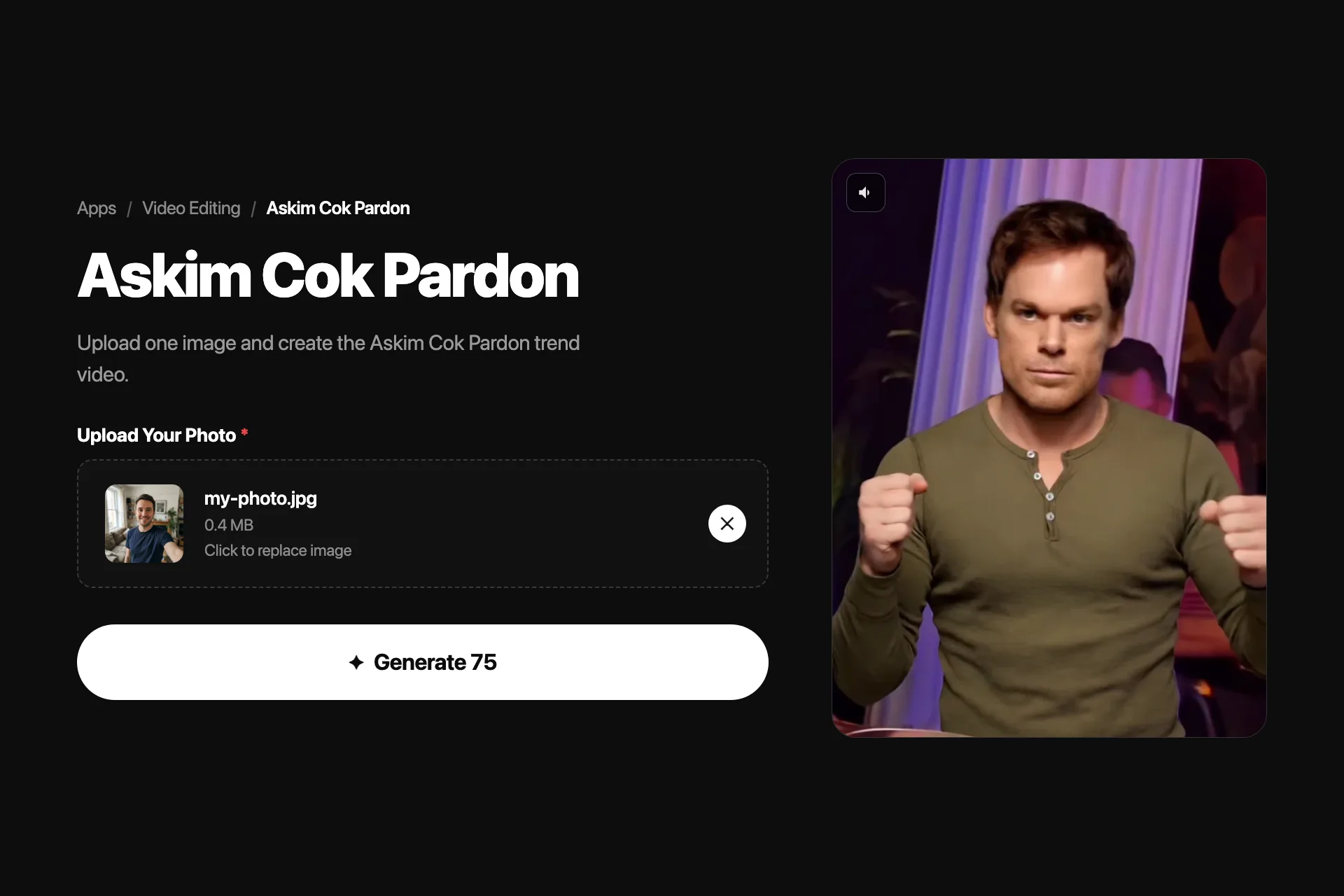
Nsketch has a dedicated Army Dreamers template that builds the whole sequence from two uploads. Add a current photo and a childhood photo, and the template generates the video with the present-day version in the opening segment and the childhood version in its own segment, ready to pair with the trend audio in your editor.
The template handles the part that breaks most DIY attempts: keeping the subject locked and recognizable while the world spins around them. You are not writing prompts or matching motion between two separately generated clips.
- Use a childhood photo from roughly age four to eight
- Pick clear, front-facing photos with one person in frame
- Avoid heavy filters; the template preserves what it can see
Army Dreamers template · Official Nsketch template result
Prompt
Template inputs: one current photo and one childhood photo of the same person. The template generates the carousel-style sequence with the present-day version in the opening segment and the childhood version in the second segment. No text prompt is required.
How to Make the Army Dreamers Trend, Step by Step
1. Upload your childhood photo. Start with a photo of yourself from when you were younger. This could be a school picture, a family snapshot, or any memorable childhood moment. The AI uses this image to capture your younger self and bring it to life with cinematic motion.
2. Add your current photo. Next, upload a recent photo of yourself. The AI analyzes both images to understand how you have changed over the years: your features, your style, and your growth. This comparison is at the heart of the Army Dreamers trend.
3. Let the AI create parallel motion videos. Nsketch takes both photos and generates smooth, realistic motion videos for each one separately. Each video captures natural movement and expression, turning still images into living, breathing clips.
4. Collect your video from Assets. The generated video appears in the Assets page within a few minutes. From there, you can preview it, download it, and share it directly to your favorite social platforms.
The Multi-App Route and When It Makes Sense
Before template tools existed for this trend, the common workflow chained three apps: generate a stylized carousel image from each photo, animate each image separately in a photo-animation tool, then combine both clips in CapCut, mute the generated audio, and add the song. Tutorials for that route still circulate because it gives you control over each intermediate step.
That control costs time and consistency. The two clips are generated independently, so lighting, framing, and spin speed rarely match on the first try. Choose the multi-app route when you want to art-direct each frame; choose a template when you want the two segments to belong to the same video.
| Nsketch template | Multi-app workflow | |
|---|---|---|
| Uploads | 2 photos | 2 photos across 2-3 apps |
| Prompt writing | None | One prompt per generated clip |
| Consistency between segments | Handled by the template | Manual matching in the edit |
| Editing still needed | Add the trend audio | Combine clips, mute, sync, add audio |
Photo Choices That Decide the Result
The template can only preserve what the photos show. Most weak results trace back to the uploads, not the generation.
- Match the framing: two waist-up photos work better than one portrait and one full-body shot
- Favor even lighting over dramatic shadows; harsh light bakes into the output
- Skip group photos; a second face competes for the subject lock
- Scan old prints at the highest quality you have rather than photographing them at an angle
FAQ
Frequently asked questions
Army Dreamers by Kate Bush, released in 1980 on the album Never for Ever. The song mourns a young man who died in army service, which is why the trend pairs it with childhood imagery.
The original 2024 version of the trend was filmed on real playground carousels with two people facing each other. The 2026 AI wave recreates that same shot from photos, so the carousel stayed as the format's signature.
One current photo and one childhood photo of the same person, ideally from around age four to eight. Clear, front-facing shots with one person in frame produce the most recognizable results.
Yes. The Nsketch Army Dreamers template generates both segments from your two uploads in one pass, so the only editing left is adding the trend audio for your platform of choice.
The filmed carousel version spread on TikTok and Instagram in 2024. The AI version, built from childhood and current photos, peaked in February 2026 and still gets steady tutorial searches.