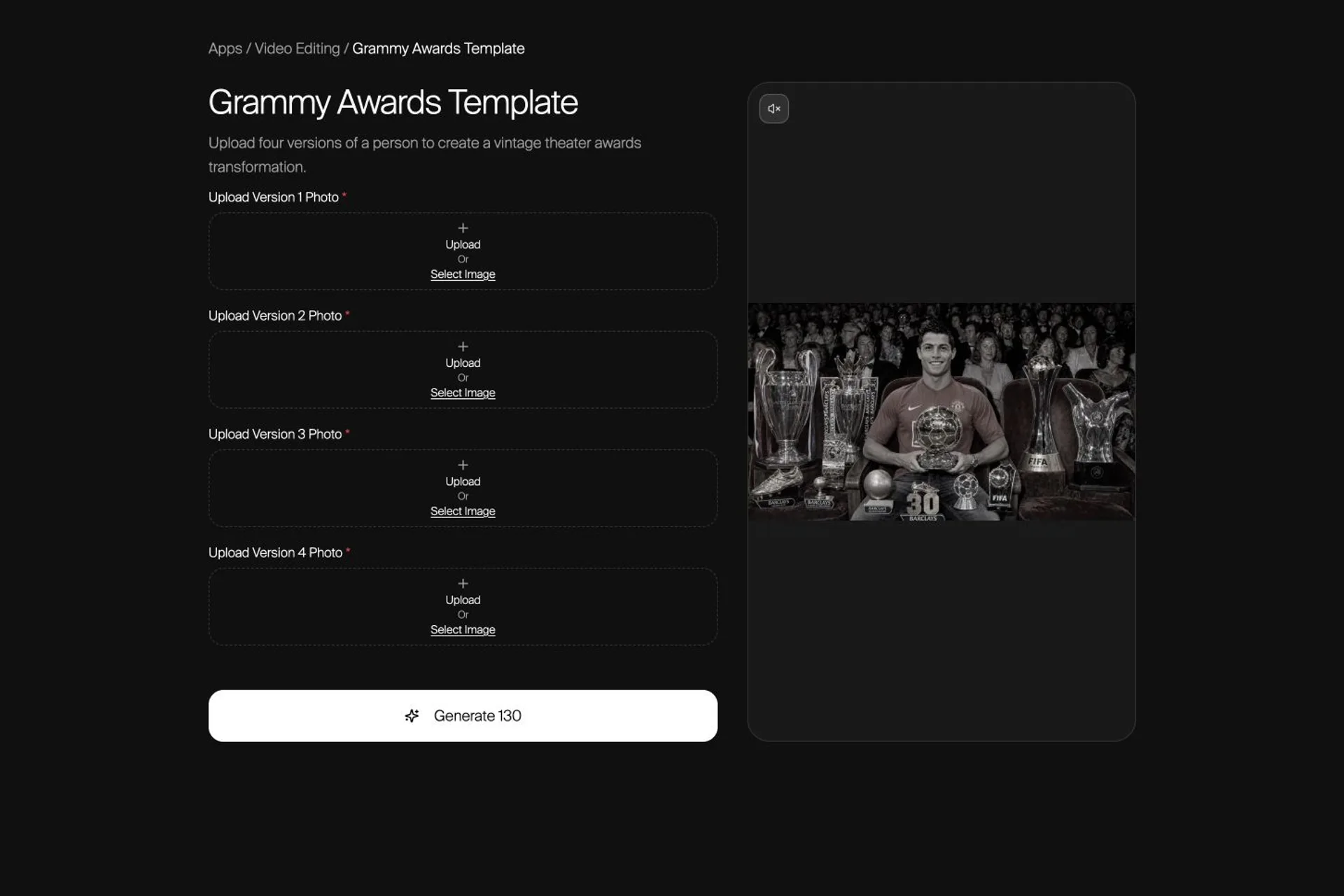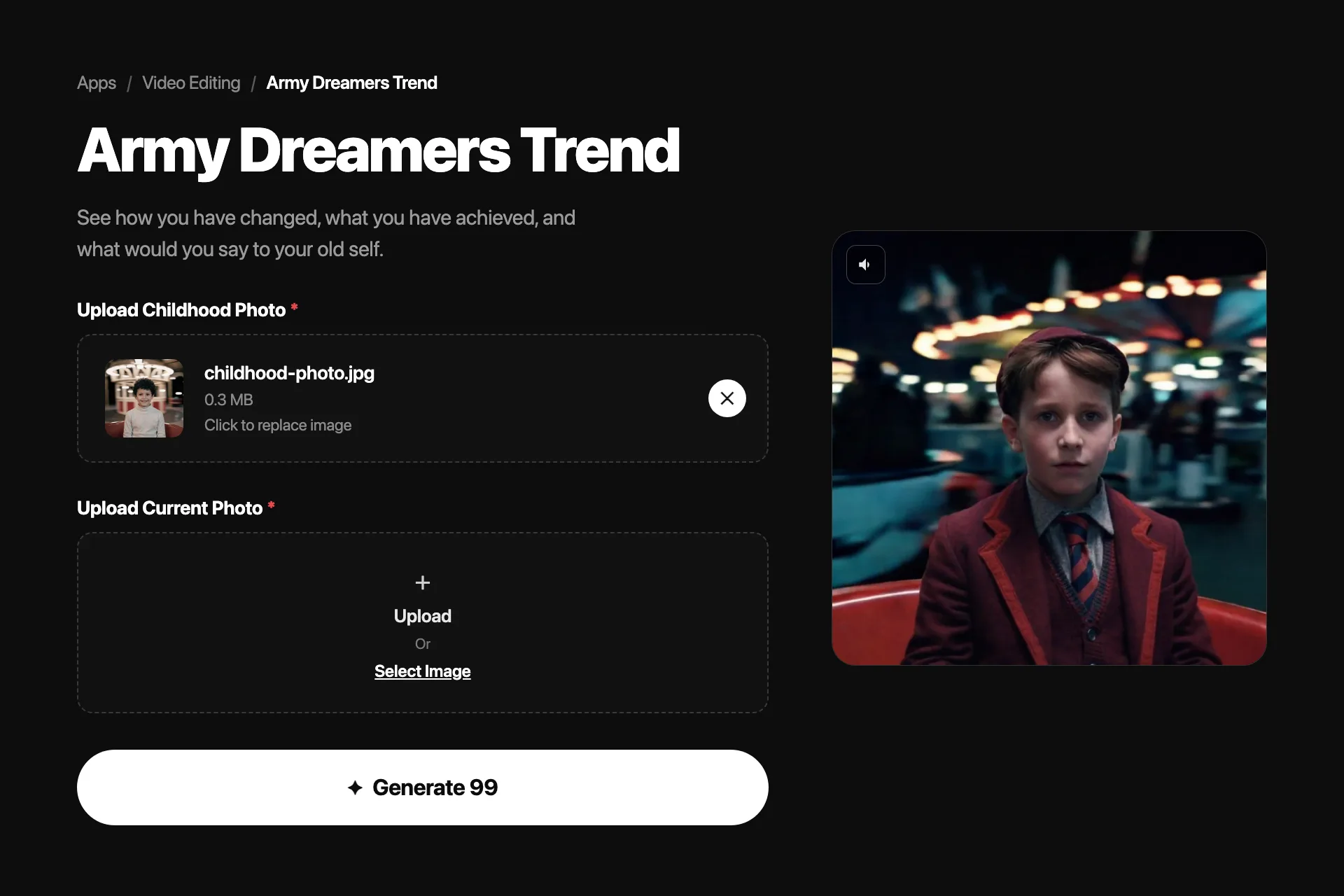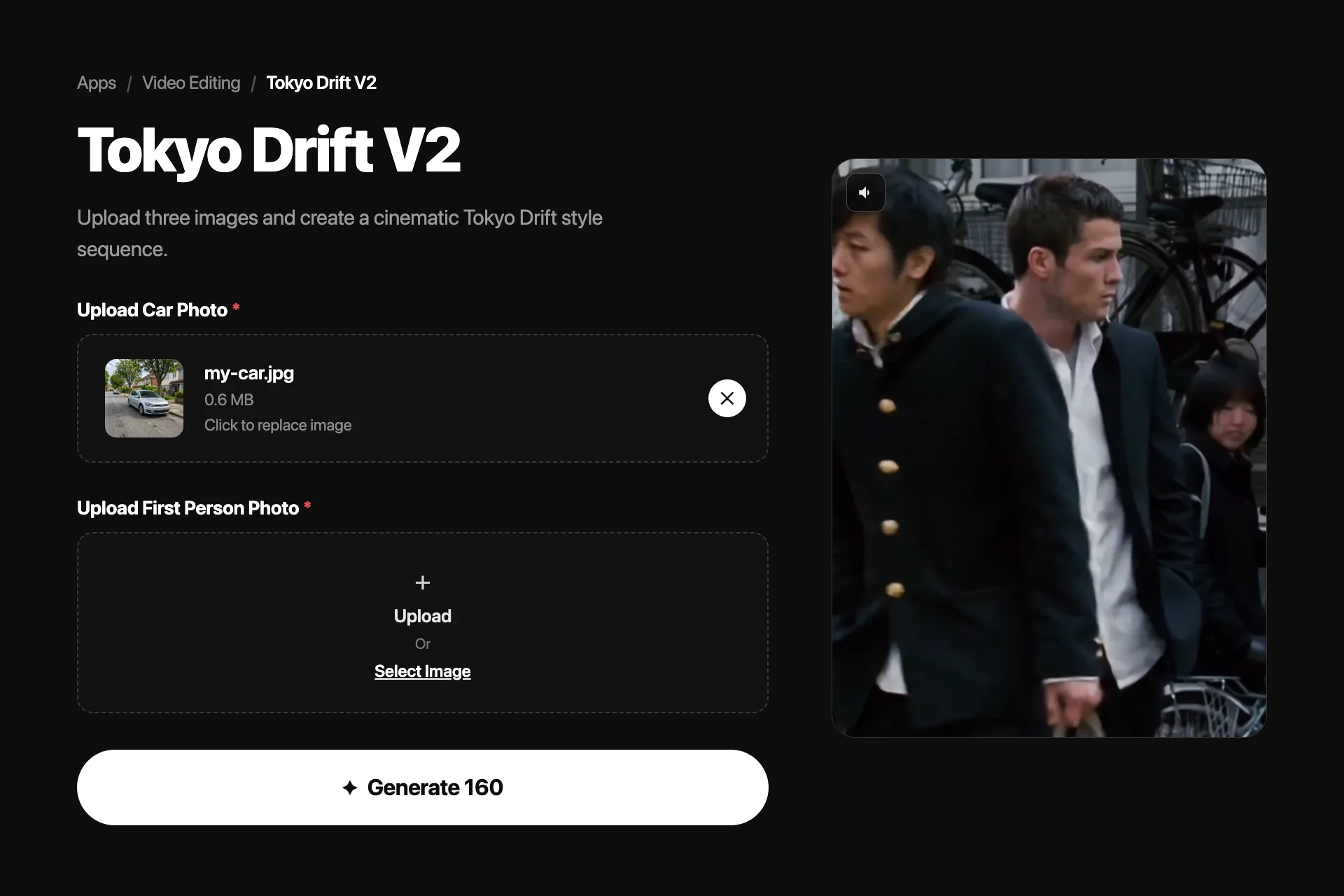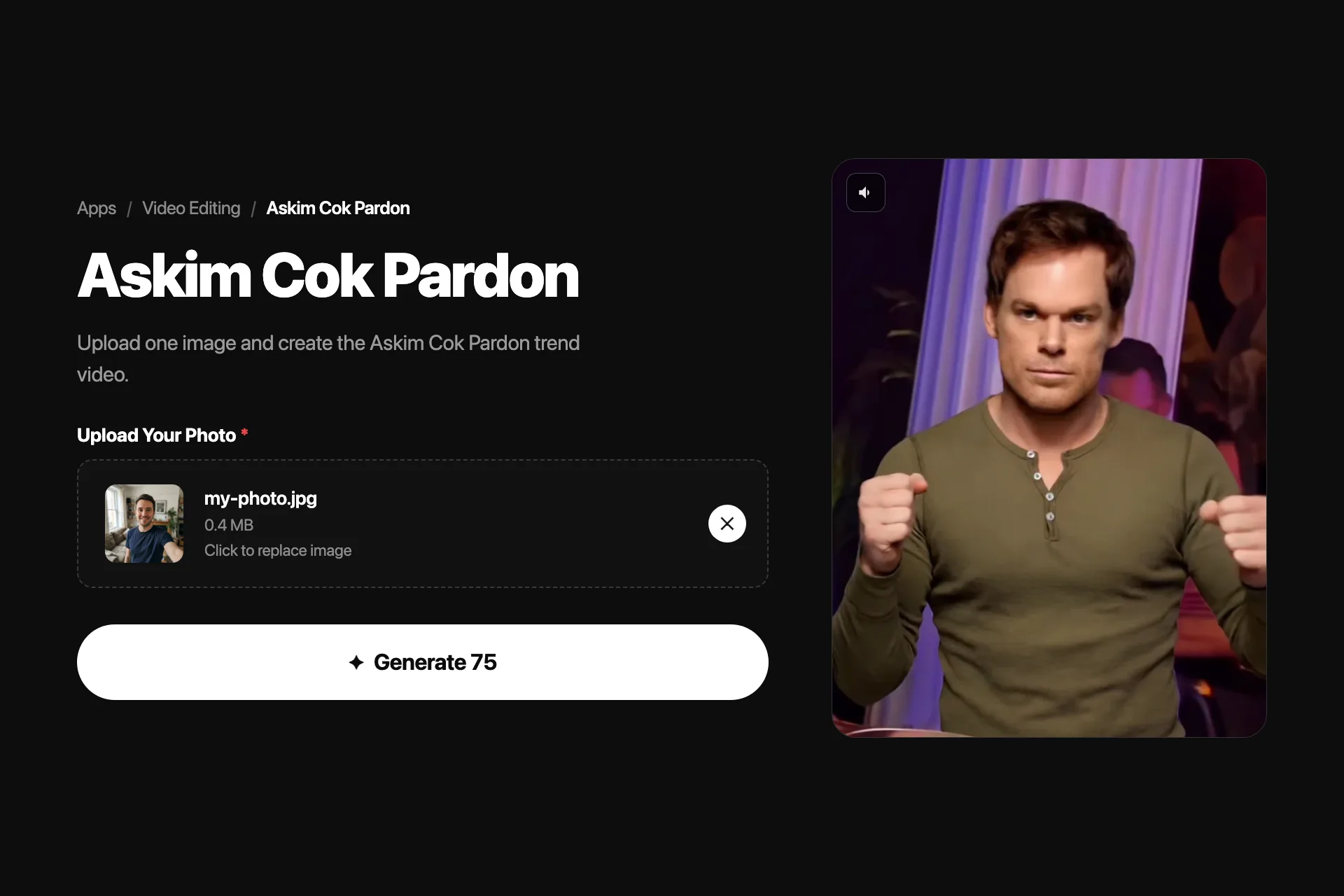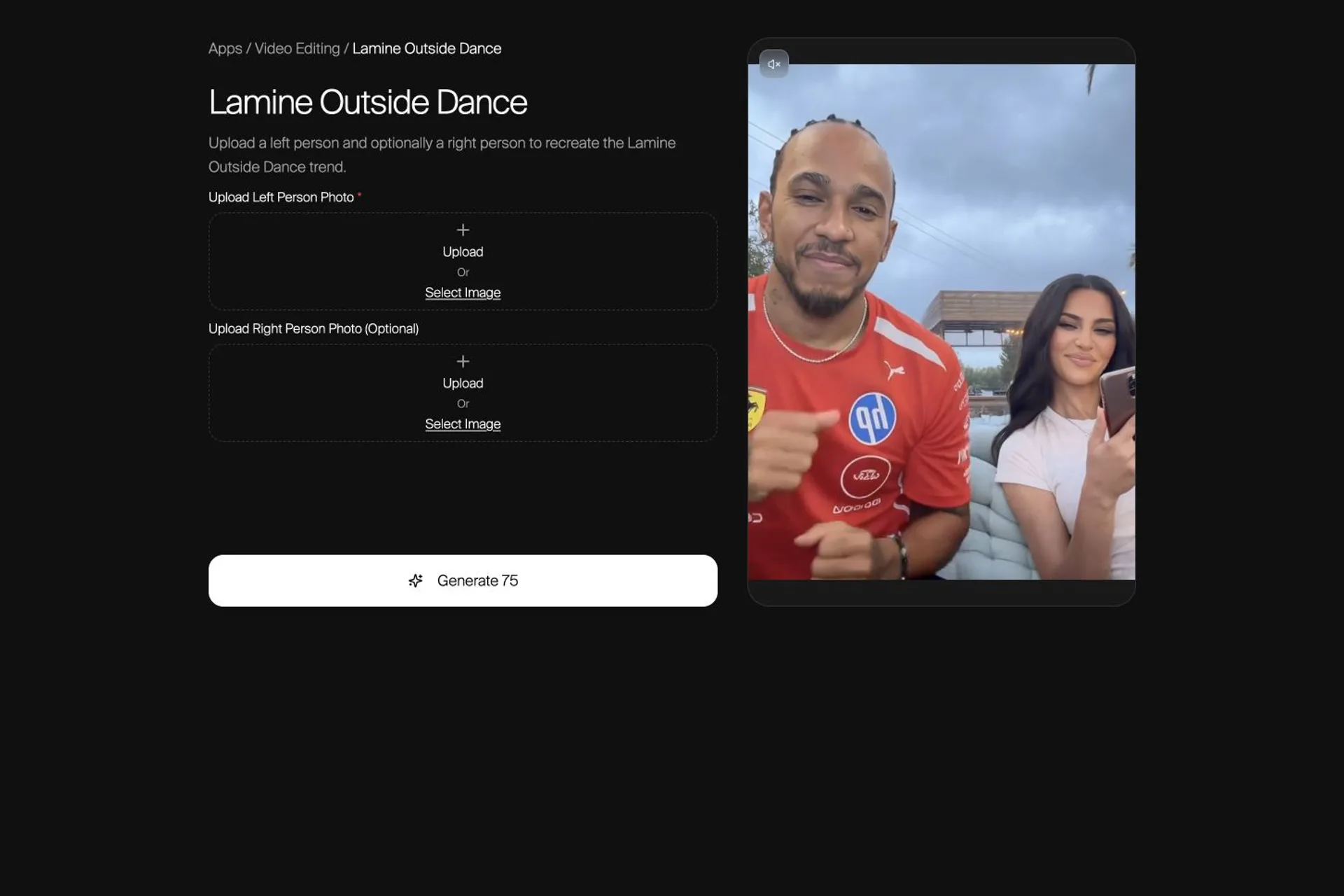
The first upload controls the left seat. The optional second upload controls the right seat. That role map matters more than a longer prompt.
Choose the one-person or two-person version, assign each photo to the correct seat, and check identity and clothing before you share the finished dance clip.
What the Lamine Outside Dance Template Makes
The Lamine Outside Dance template turns one or two person photos into an eight-second vertical dance video. The scene and choreography are fixed, so your main creative decision happens before generation: whether the finished clip should contain one uploaded person or two.
Use one photo when you want a single person in the left seat and the right side cleared from the scene. Use two photos when you want separate people in the left and right seats. Nsketch builds the edited starting frame first, then animates that frame with the template's motion reference.
| Uploads | Left seat | Right seat |
|---|---|---|
| One photo | Your first photo | Person removed; scene rebuilt |
| Two photos | Your first photo | Your second photo |
Choose the One-Person or Two-Person Version
Decide the branch before choosing photos. In the one-person version, the edit removes the person on the right and reconstructs the empty bench, table edge, patio, greenery, pergola, and sky. That branch is useful when the clip should focus on one subject instead of creating a pair.
In the two-person version, the uploads are not interchangeable. Photo 1 is the left person and Photo 2 is the right person. If the wrong person lands in the wrong seat, change the upload order rather than retrying the same inputs.
- Pick one photo for a solo result with the right side rebuilt
- Pick two photos for a paired result with fixed left and right roles
- Confirm the order before generation; the template owns the prompt
Pick Photos That Show What You Want to Keep
A reference photo cannot protect details it does not show. Choose an unobstructed image where the face, hairline, hairstyle, upper body, outfit, and important accessories are visible. If a jacket, watch, necklace, or hair shape matters, make sure it is readable at a glance.
Avoid cropped hair, hidden eyes, heavy beauty filters, motion blur, and a face that occupies only a tiny part of the frame. For a two-person result, use photos with similar clarity so one subject does not receive much stronger visual evidence than the other.
- Use a sharp, front or three-quarter view of each face
- Keep the hairstyle and outfit visible instead of cropped
- Prefer even light over deep shadows across the eyes
- Use only photos you have permission to animate
Assign the Left and Right Roles
Open the Lamine Outside Dance template and upload the left-person photo first. Add the optional right-person photo only when you want a second subject. The configured edit keeps those identities separate and asks the model not to mix their hair, clothing, or accessories.
Do not try to solve a role mistake with a more detailed description. This template does not expose a custom prompt field; the upload slot is the instruction. Put the correct person in the correct slot, then generate.
Choose Standard or Professional Mode
Standard mode produces a 720p result for 75 credits. Professional mode produces a 1080p result for 100 credits. Both use the same vertical 9:16 composition and the same eight-second motion preset.
Use Standard to test the photo choice and left-right mapping. Choose Professional when the inputs are already settled and you need the higher-resolution final clip.
| Mode | Resolution | Credits |
|---|---|---|
| Standard | 720p | 75 |
| Professional | 1080p | 100 |
Review the Finished Dance at Normal Speed
Watch the full clip once without pausing. Check each face during the fastest arm movement, then review the hair, clothes, jewelry, hands, and contact between each body and the seat. In a solo result, also inspect the rebuilt right side for repeated objects or leftover body fragments.
If identity or wardrobe drifts, replace the weakest source photo first. If the people are reversed, swap the upload order. If only the resolution is too low, keep the same inputs and move from Standard to Professional.
- Face and hair remain recognizable through motion
- Clothes and accessories do not switch between people
- Hands and arms stay plausible during the dance
- Seat contact and the rebuilt background look clean
- No duplicate or partial person appears
Lamine Outside Dance template · Official Nsketch template · 8 seconds · 9:16 · 720p Standard or 1080p Professional
Prompt
Template input: one required left-person photo, plus an optional right-person photo. The template owns the scene-edit and motion prompts.
FAQ
Frequently asked questions
No. The left-person photo is required and the right-person photo is optional. With one photo, Nsketch places your subject on the left and rebuilds the right side of the scene.
The first upload controls the left person. If you add a second photo, it controls the right person. Swap the uploads if the people appear in the wrong seats.
The current Nsketch template produces an eight-second vertical 9:16 video.
Standard costs 75 credits and produces 720p. Professional costs 100 credits and produces 1080p. The scene, role mapping, and duration stay the same.
Replace the weaker source photo with one that shows the face, hairstyle, clothing, and accessories clearly. The template owns its prompts, so clearer source evidence is more useful than retrying the same ambiguous image.