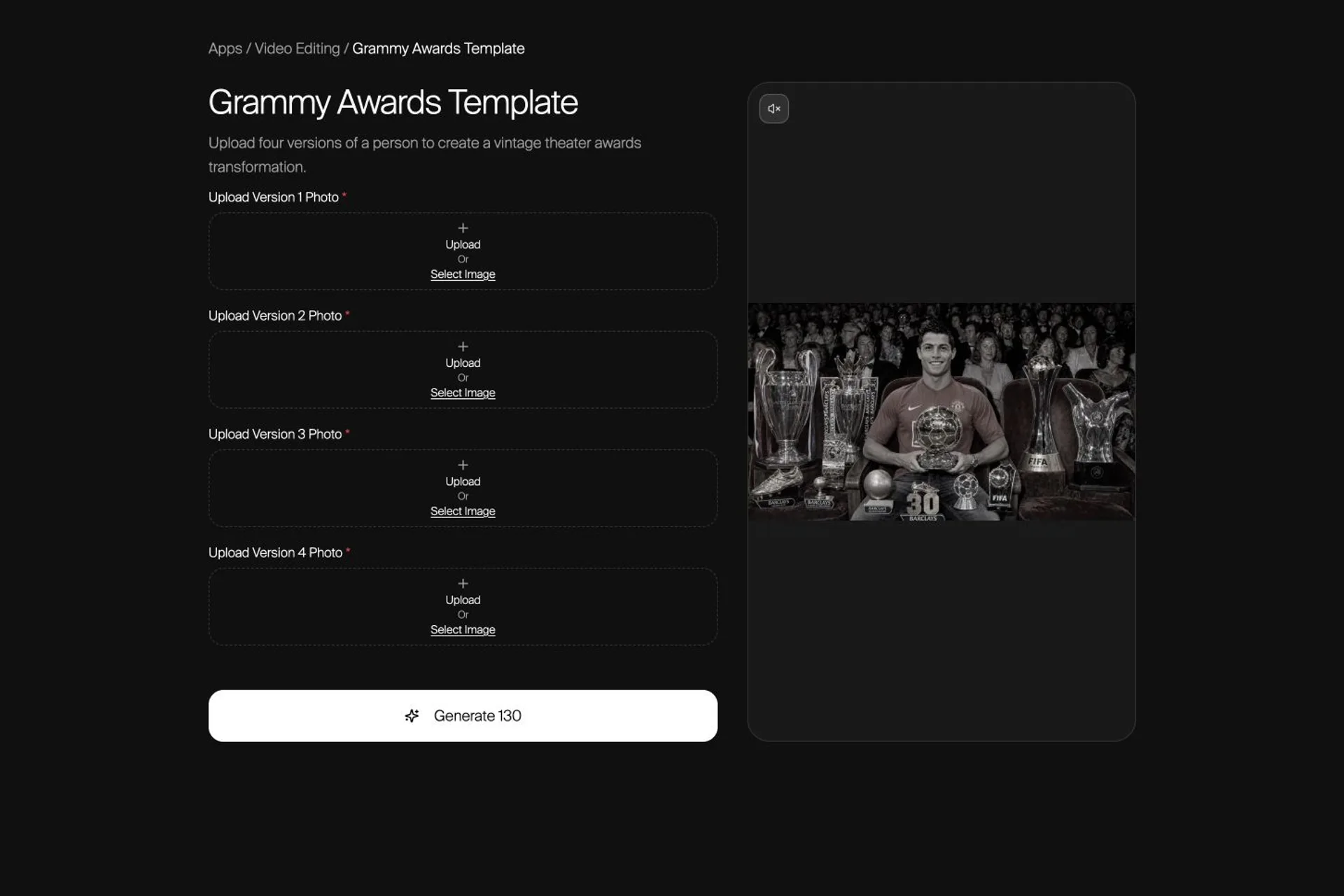
The order of the four photos is the edit: each upload controls a different appearance in the finished sequence.
Map four photos to the opening portrait, arrival transition, and final applause shot before generating the two-part vintage theater video.
What the Grammy Awards Template Makes
The Grammy Awards template creates a widescreen vintage-theater sequence from four person photos. Nsketch builds two five-second video parts, joins them in order, and adds the template's configured song. The finished result uses a 16:9 frame and costs 130 credits.
The template is an awards-night transformation, not an official Recording Academy product. Its four upload boxes are version roles, not four generic attachments. Decide what each version should represent before you generate.
Map the Four Photo Roles
Version 1 anchors the sequence. Versions 2 and 3 arrive beside it. Version 4 takes over the centered final portrait. You can use four looks of one person, four life stages, or different authorized people, but the visual story should make sense in this order.
| Upload | Where it appears | Best choice |
|---|---|---|
| Version 1 | Centered opening portrait | Your clearest anchor image |
| Version 2 | Arrives beside Version 1 | A distinct, readable second look |
| Version 3 | Arrives beside Version 1 | A distinct, readable third look |
| Version 4 | Centered final applause shot | Your strongest closing look |
Choose Version 1 for the Opening Portrait
Version 1 becomes the centered person in the first vintage theater portrait and remains present when Versions 2 and 3 arrive. Give this role the clearest face and the look you want viewers to recognize first.
A front or three-quarter portrait with visible hair, shoulders, and clothing gives the edit useful evidence. If an accessory or object matters, keep it unobstructed and inspect it after generation rather than assuming every small detail will survive.
Choose Versions 2 and 3 for the Arrival
Versions 2 and 3 become the two people who enter and sit beside Version 1 during the first transition. Their faces, hairstyles, builds, outfits, and accessories should be easy to distinguish from each other.
Avoid three near-identical crops with different lighting. A coherent set can still have distinct clothing or life-stage cues. Those visible differences help the arrival read as an intentional transformation instead of a duplicate-person error.
- Use similarly sharp photos for Versions 2 and 3
- Keep the face, hair, and upper outfit visible in both
- Choose differences the viewer can read in a quick transition
Choose Version 4 for the Final Applause Shot
Version 4 becomes the centered person in the second portrait and the final applause segment. Treat it as the closing image: strong eye line, readable expression, clean hair silhouette, and an outfit that still works in the warm theater scene.
Do not place the intended finale in Version 2 or 3 and expect the template to infer your preferred ending. The upload order controls the sequence.
Generate and Review the Two-Part Edit
After all four roles are filled, confirm the mapping and generate. Nsketch creates the opening portrait, the three-person end frame, and the Version 4 portrait before producing the two video parts and joining them with the configured audio.
Watch the complete result at normal speed. Check that Versions 2 and 3 land in separate seats, Version 4 owns the final shot, and clothes do not jump between roles. Pause only after the first pass to inspect hands, chairs, face shape, hair, accessories, and the transition boundary.
- Version 1 remains the opening anchor
- Versions 2 and 3 appear as separate arrivals
- Version 4 owns the final centered portrait
- Hands, chairs, clothes, and personal objects stay plausible
- The join between the two parts feels intentional
Grammy Awards template · Official Nsketch template · two 5-second parts · 16:9 · 130 credits
Prompt
Template input: four required person photos mapped to Version 1, Version 2, Version 3, and Version 4. The template owns the image-edit, transition, applause, and audio instructions.
Fix the Upload Order, Not the Template Prompt
If the wrong look opens or closes the video, reorder the photos. If one person drifts, replace only that role with a clearer source. If an accessory disappears, use a source where it is larger and unobstructed, then inspect the next result.
The template uses fixed production instructions, so the reliable controls are source quality and role assignment. Change one of those variables at a time; otherwise you will not know which correction helped.
FAQ
Frequently asked questions
It requires four person photos. Each photo has a fixed Version 1–4 role in the finished two-part sequence.
No. They can show four looks or life stages of one person, or different authorized people. What matters is that you understand where each version appears and confirm the role order.
Version 4 becomes the centered person in the final portrait and applause segment. Version 1 anchors the opening, while Versions 2 and 3 arrive during the first transition.
Nsketch creates two five-second parts and concatenates them in order, producing a roughly ten-second 16:9 result with the template's configured song.
The current fixed price is 130 Nsketch credits. Template contracts can change, so check the live template before a production run.