Pick Genjutsu for big reference packs and a dedicated object swap mode. Pick Keshin when you want the people recast without writing a prompt.
Both tools recast existing footage and keep the original motion. Here is how Keshin and Genjutsu differ on clip length, reference photos, prompts, models and pricing.
Keshin vs Genjutsu: The Short Answer
Higgsfield Genjutsu and Nsketch Keshin start from the same idea. You upload a video you already have, add reference images, and get the same movement and camera back with different people in it. Both take source clips up to 30 seconds, and both charge credits that you see before you generate.
They differ in workflow. Genjutsu has two modes, Motion Transfer and Object Swap, and Higgsfield's page lists characters, outfits, props, products and locations as things you can change. Keshin is built around recasting people: with the prompt off it works out the swap for you from your photos. Turn the prompt on and a photo can also be an object or a place, which replaces that object or the location. Keshin also lets you choose between three models.
This comparison uses Higgsfield's Genjutsu page and Nsketch's own Keshin settings as of October 31, 2026. Where Higgsfield's page does not state a limit, we say so instead of guessing.
Keshin and Genjutsu Side by Side
The table lists what each product states today. Higgsfield's page gives no resolution for the base Genjutsu model, so that cell says not stated.
| Nsketch Keshin | Higgsfield Genjutsu | |
|---|---|---|
| What it changes | People automatically; objects and locations with the prompt on | Characters, outfits, props, products and locations |
| Modes | One workflow: automatic swap, or prompt on for directed edits | Motion Transfer and Object Swap |
| Source video length | 2–30 seconds (Keshin Pro: 4–30 seconds) | 4–30 seconds |
| Reference images | Up to 10 photos of people, objects or places | Up to 30 images for characters, products and wardrobe |
| Prompt | Optional; Keshin writes the swap when it is off | You describe what should change |
| Models | Keshin Standard, Plus and Pro | Genjutsu and Genjutsu Lite |
| Output resolution | 480p–1080p (Plus: 720p or 1080p) | Lite: 720p or 1080p; base model not stated |
| Pricing | Nsketch credits; cost shown before you generate | Higgsfield credits; cost shown before you generate |
What Each Tool Can Change
Genjutsu splits the work into two modes. Motion Transfer keeps the motion, camera and timing of the source clip and rebuilds the rest from your references. Object Swap changes a selected character, outfit or product and leaves the rest of the shot alone. Its use-case examples include music videos and ads.
Keshin is built around people. With the prompt off, you add one photo per person you want in the video, and Keshin turns each photo into a character sheet with front, back and face views, so the face and outfit from your photo hold up when the person turns away from the camera. The motion, camera and cuts stay as filmed.
Keshin can change objects and places too. Turn the prompt on, add a photo of a car, a product or a location, and say what it replaces: a replaced object keeps the original's position, size, motion and how people hold it, and a replaced place keeps every person and the camera as filmed. Genjutsu gives these edits their own Object Swap mode. If your edit is putting yourself, a friend or a character from your own art into a trend clip, both tools do it, and Keshin needs fewer decisions to get there.
Clip Length and Reference Limits
Genjutsu accepts reference videos from 4 to 30 seconds. Keshin Standard and Plus accept clips from 2 to 30 seconds, and Keshin Pro accepts 4 to 30 seconds. Short clips under 4 seconds, such as a single reaction or a quick transition, only fit on Keshin Standard or Plus.
Genjutsu takes up to 30 reference images, and those can be characters, products, wardrobe or other visual elements. Keshin takes up to 10 photos, usually one for each person in the clip, and with the prompt on a photo can also be an object or a place. Ten is enough for a group dance or a crowded scene. Thirty matters more when the references mix many people, clothes and products.
- Use a clear, front-facing photo for each person you add to Keshin
- Trim the source clip to the part you need before uploading; both tools stop at 30 seconds
- Choose Keshin Standard or Plus for clips shorter than 4 seconds
Prompts: Optional in Keshin
Genjutsu's workflow is to upload the video and references, pick a mode, describe what you want changed and generate. Higgsfield lists the description as one of those steps.
Keshin can skip that step. With the prompt switch off, it analyzes the clip, works out who is on screen and when, matches each person to one of your photos and writes the swap itself. Turn the prompt on when you want to direct the result, for example to say which photo replaces which person. You can name photos as @Image1, @Image2 and so on, up to 5,000 characters.
Models, Speed and Resolution
Higgsfield offers Genjutsu and Genjutsu Lite. The page describes Lite as faster and cheaper, with clips up to 30 seconds at 720p or 1080p, aimed at everyday trends. It does not list a resolution for the base Genjutsu model.
Keshin has three models. Keshin Standard is the everyday choice from 480p to 1080p, with a Fast switch for when you need the video sooner. Keshin Plus is the newest model and renders at 720p or 1080p. Keshin Pro is the most advanced and takes clips from 4 seconds. All three default to 720p.
| Keshin model | Clip length | Resolution | Use it for |
|---|---|---|---|
| Keshin Standard | 2–30 seconds | 480p, 720p or 1080p | Everyday swaps; Fast mode for quicker results |
| Keshin Plus | 2–30 seconds | 720p or 1080p | The newest model at 720p or above |
| Keshin Pro | 4–30 seconds | 480p, 720p or 1080p | The most advanced swaps |
Pricing and Credits
Neither page lists a fixed price per video. Genjutsu runs on Higgsfield's standard credit system and shows each run's cost before you generate. Keshin is priced in Nsketch credits by model, resolution and clip length, and also shows the exact cost before you generate.
On Keshin, a generation that fails gives its credits back. Higgsfield's page says Genjutsu results can be published across organic and paid channels under its Terms of Use, so check the terms of whichever tool you use before running ads.
Which One Should You Use?
Use Genjutsu when you want a dedicated Object Swap mode, or when you want to keep only the motion and rebuild the whole scene from a large reference pack of up to 30 images.
Use Keshin when the job is recasting people, with an object or location swap on the side: you in a dance trend, your friends in a movie scene, or your own character in a clip. It is the shorter path when you would rather upload photos than write a prompt, when the clip is under 4 seconds, or when you want to choose between three models and resolutions from 480p to 1080p.
How to Make a Character Swap With Keshin
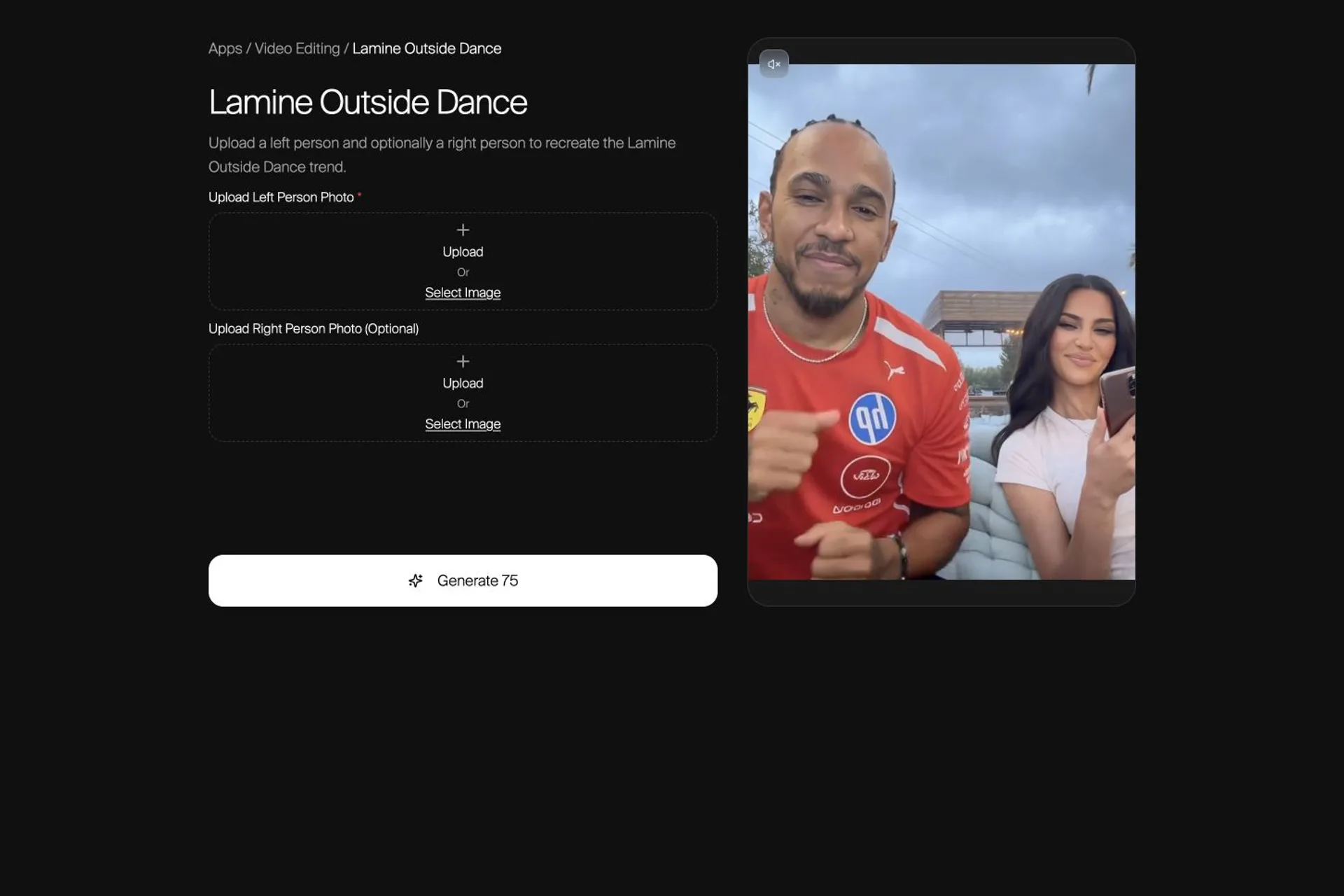
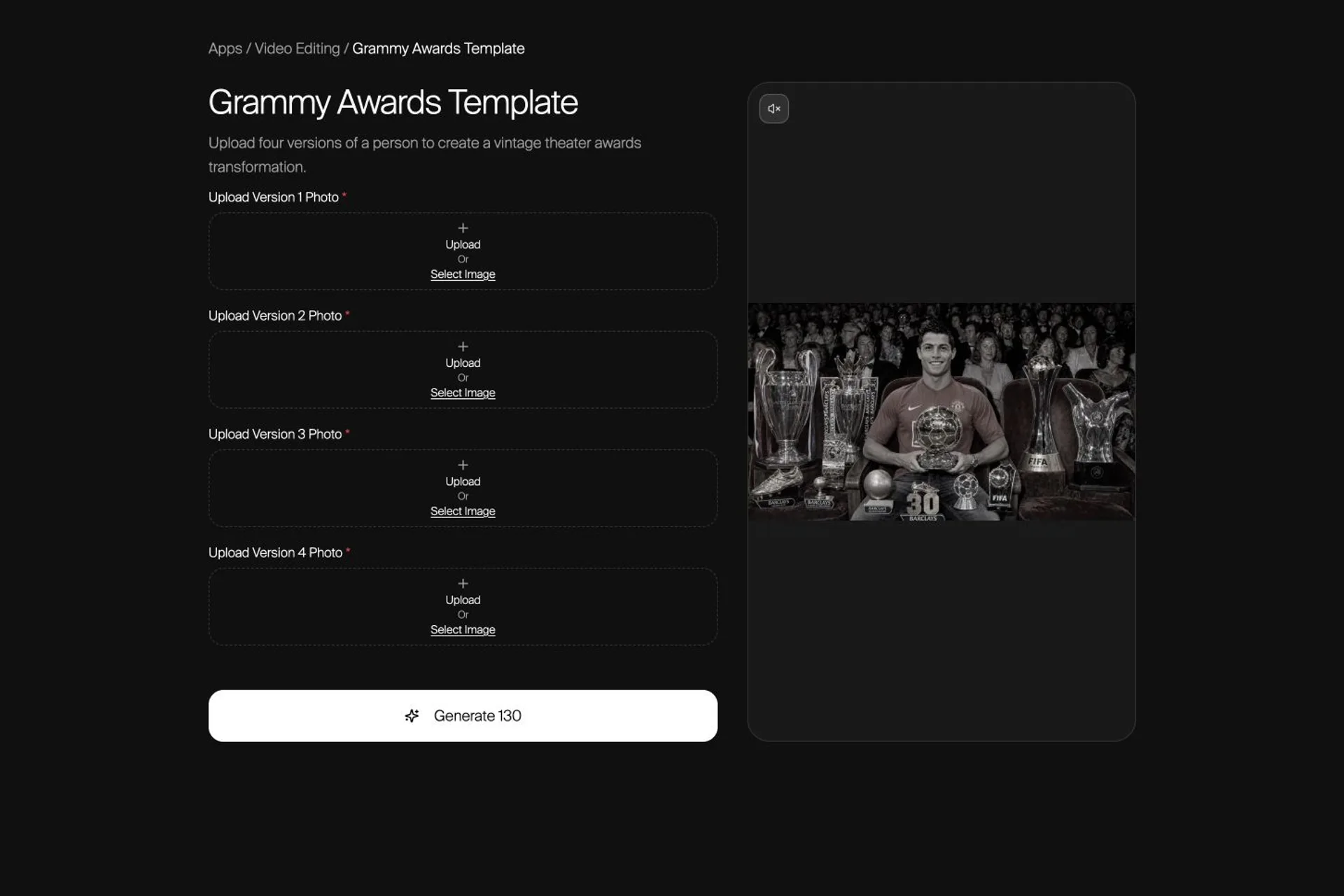
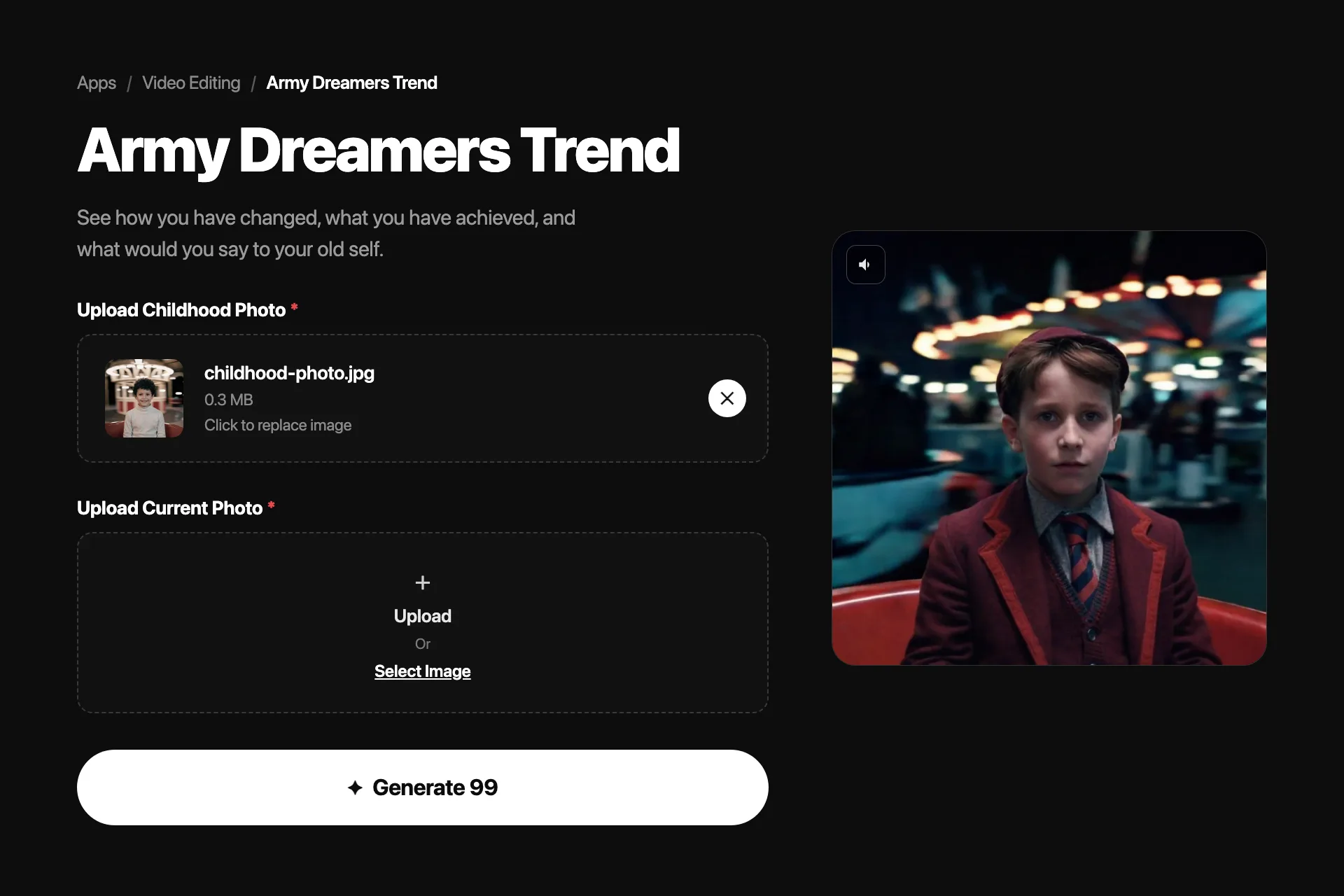
Keshin runs in the browser at nsketch.ai/keshin. You can upload your own clip or pick one from the Motion Library.
- Upload one video between 2 and 30 seconds, or choose a clip from the Motion Library
- Add up to 10 photos, one for each person you want in the video
- Pick Keshin Standard, Plus or Pro and a resolution, then check the credit cost
- Leave the prompt off to let Keshin write the swap, or turn it on to give directions
- Generate, then watch the full clip for face and outfit consistency before you share it
FAQ
Frequently asked questions
Genjutsu is Higgsfield's video tool for changing existing footage. It has two modes: Motion Transfer keeps a clip's motion, camera and timing and rebuilds the rest from your references, and Object Swap changes a selected character, outfit or product while leaving the rest of the shot as it was.
Yes, for character swaps. Like Genjutsu, Keshin swaps the people in existing footage and keeps the original motion and camera. It runs in the browser at nsketch.ai/keshin, takes clips up to 30 seconds with up to 10 photos, and offers three models.
Yes, with the prompt on. Add a photo of the object or place and say what it replaces; Keshin keeps the original object's position and motion, or keeps every person and the camera when the location changes. Outfits come from each person's photo. Genjutsu handles these edits in its own Object Swap mode.
Keshin Standard and Plus take clips from 2 to 30 seconds, and Keshin Pro takes 4 to 30 seconds. Higgsfield's page lists 4 to 30 seconds for Genjutsu reference videos.
Not on Keshin. With the prompt off, Keshin analyzes the video and writes the swap itself. Higgsfield lists describing what you want to change as a step in the Genjutsu workflow.
Both use credits and show the cost before you generate. Keshin's cost depends on the model, resolution and clip length, and a Keshin generation that fails returns its credits. Higgsfield's Genjutsu page does not list per-video prices.