A reference photo cannot protect details it does not show, and a multi-person template cannot infer which upload belongs in which role.
Diagnose face, hair, outfit, body, role, and scene drift with a source-photo and review checklist built for current Nsketch templates.
Name What Changed Before You Rerun
A video can look polished and still fail because the person no longer looks like the source. Before rerunning, name the exact break: face shape, hair, clothing, body proportions, role assignment, or contact with the scene.
That diagnosis tells you which evidence is missing. A changed jacket needs a clearer clothing reference. Reversed people need a corrected role map. A floating body or broken chair contact is a scene problem, not an identity problem.
| Drift | Check first |
|---|---|
| Face or hair | Source clarity, angle, filters, and occlusion |
| Outfit or accessories | Whether each detail is visible and distinct |
| Body proportions | How much of the body the source actually shows |
| Wrong person or look | Upload order and named role |
| Seat, prop, or shadow | Pose, crop, and scene contact points |
Give the Model Visible Evidence
Choose a sharp source where the face, hairline, hairstyle, skin tone, upper body, and clothing are visible. If jewelry, a watch, a hat, or a specific jacket matters, it needs enough pixels and contrast to be recognized.
Heavy filters, sunglasses, cropped hair, deep shadow, motion blur, and hidden clothing remove evidence. A beautiful portrait is not automatically a useful reference. Pick the image that explains the details the video must retain.
- Face: eyes, jawline, nose, and skin texture are readable
- Hair: hairline, length, color, and silhouette are visible
- Wardrobe: garment type, color, fit, layers, and pattern are clear
- Body: the crop shows the proportions the scene needs
- Accessories: important items are not covered by hands or hair
Separate Identity, Wardrobe, Scene, and Motion
Identity evidence tells the edit who the person is. Wardrobe evidence tells it what must stay on that person. Scene constraints govern framing, lighting, shadows, pose, and contact with furniture or props. Motion determines what changes over time.
Do not expect one ambiguous crop to solve all four jobs. Current Nsketch templates already own the scene and motion instructions. You control the source that defines the person and clothing, and the semantic upload slot that assigns its role.
Map Every Upload to a Named Role
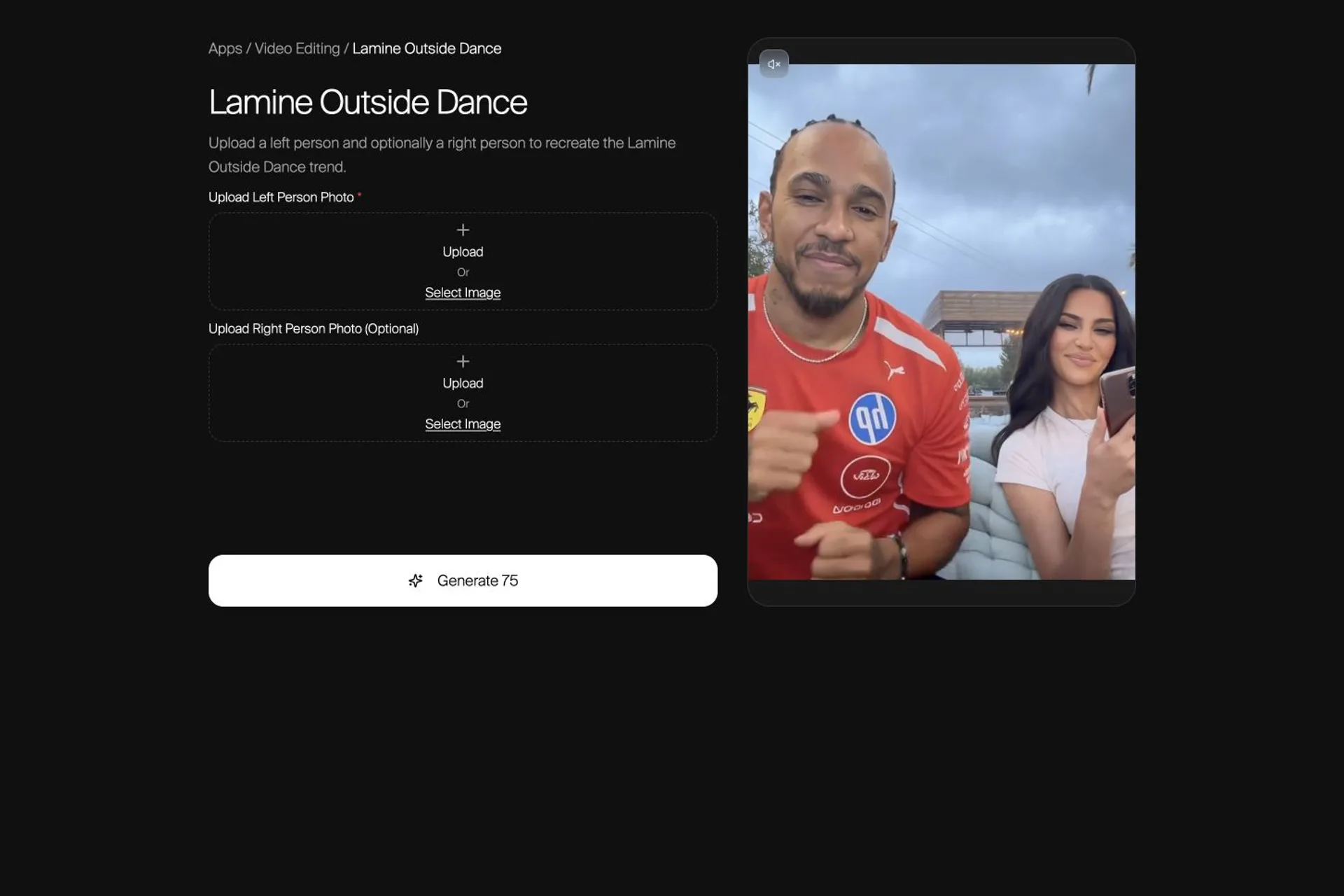
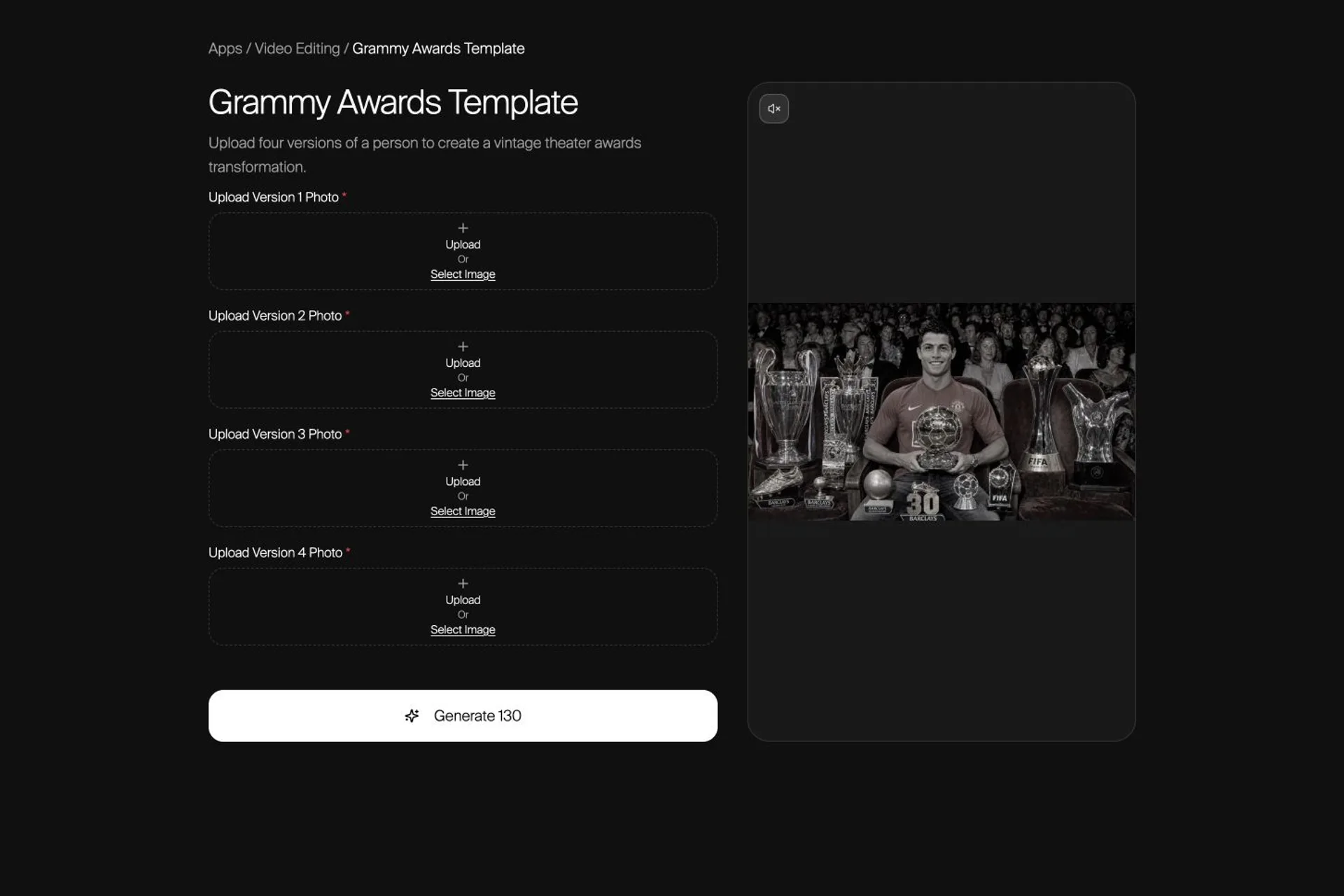
Multi-person templates need a role map. In Lamine Outside Dance, the first upload controls the left person and the optional second upload controls the right person. In the Grammy Awards template, Versions 1–4 each appear at a different point in the two-part edit.
Read the upload labels as edit instructions. If two people swap places or the wrong look becomes the ending, reorder the inputs. Repeated generations cannot correct an incorrect mapping that never changes.
Use Different Checks for One Person and Many
A one-person replacement can still fail at the scene boundary: hair against the background, feet against the floor, hands around props, or shadows under the body. Check those contact points as carefully as the face.
A multi-person result adds identity mixing. Compare each subject separately, then inspect whether clothes, accessories, or facial features migrated between roles. The Grammy template is a useful stress test because four version roles feed two connected segments.
Review the Full Clip, Not Only the Poster
Play the result at normal speed first. Identity drift often appears during the fastest turn, hand movement, or transition even when the poster looks correct. Then scrub back to the failure and compare it with the source.
Use a short checklist and record the first frame where a detail changes. This keeps the next attempt focused and prevents a strong thumbnail from hiding an unusable motion sequence.
- Face and hair at the fastest motion beat
- Outfit color, pattern, layers, and accessories
- Hands, feet, furniture, and prop contact
- Body proportions before and after a transition
- Correct person or version in every named role
Change One Variable on the Next Attempt
Replace a source when the needed detail is hidden. Reorder uploads when the wrong role appears. Choose a better-matched crop when the body or scene contact breaks. Change one variable, rerun, and compare the same failure point.
Do not add more references by default. Conflicting angles, outfits, or ages can weaken the signal. One clear, authorized source in the correct role is often more useful than several ambiguous images.
Use Faces and Photos You Have Permission to Animate
Consistency is a technical goal, but the source is still a person's likeness. Use photos you have permission to animate: your own media, fictional subjects, or images whose owner has agreed to the edit. Do not present a generated result as real footage of someone who did not participate.
For client work, record which source controlled each role and keep the approved inputs with the final export. That makes review and later revisions much easier.
FAQ
Frequently asked questions
Fast movement, a weak or obstructed source, and a large change in angle can leave the model with too little identity evidence. Review the first frame where the face changes, then use a clearer source that shows the missing features.
Use a source where the garment type, color, pattern, fit, layers, and accessories are visible. Check the outfit during motion, not only in the first frame, and replace the source if an important detail is hidden.
Not automatically. Extra references can introduce conflicting faces, ages, angles, or outfits. Use the fewest clear sources required by the workflow and map each one to a named role.
No. Prompts and references guide the workflow but do not guarantee perfect preservation. Treat consistency as something to inspect across the full clip and rerun with better evidence when a detail drifts.
Name the failure first. Replace the source for face, hair, outfit, or body drift; correct the upload order for a role mistake; and inspect scene contact when hands, furniture, props, or shadows break.